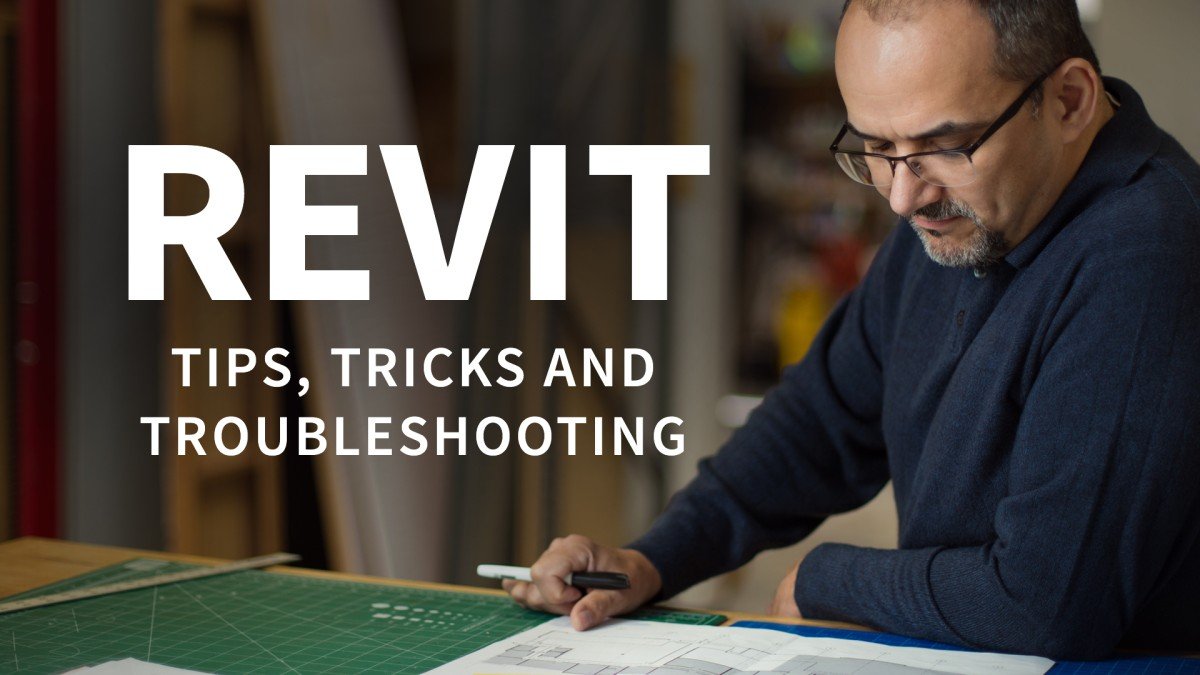
Revit: Tips, Tricks, and Troubleshooting (Updated: 3/15/2022)
This post was published 4 years ago. Download links are most likely obsolete. If that's the case, try asking the uploader to re-upload.
Updated: 3/15/2022
MP4 | Video: h264, 1280x720 | Audio: AAC, 44.1 KHz
Language: English | Size: 13.6 GB | Duration: 48h
In this series, there's a little something for every Revit designer—beginners and seasoned users alike. Each video focuses on a specific tip, trick, or troubleshooting technique within Revit.
In this series, there's a little something for every Revit designer—beginners and seasoned users alike. Each video focuses on a specific tip, trick, or troubleshooting technique within Revit. Do you import CAD files and want to achieve consistency? Want to get more from your dimensions? Need to check all of the views in a project and see if the settings are correct? Want to consistently configure crop boxes across the entire project? What about getting all the parameters in your family content in just the right order? These are just some of the topics in store. With a new video every week, you are sure to find something useful to add to your growing arsenal of Revit tools and techniques.
Notes: The exercise files included with this course can be opened in the latest version of Revit. If you are using an older version, some files may be incompatible. Because this is an ongoing series, viewers will not receive a certificate of completion.
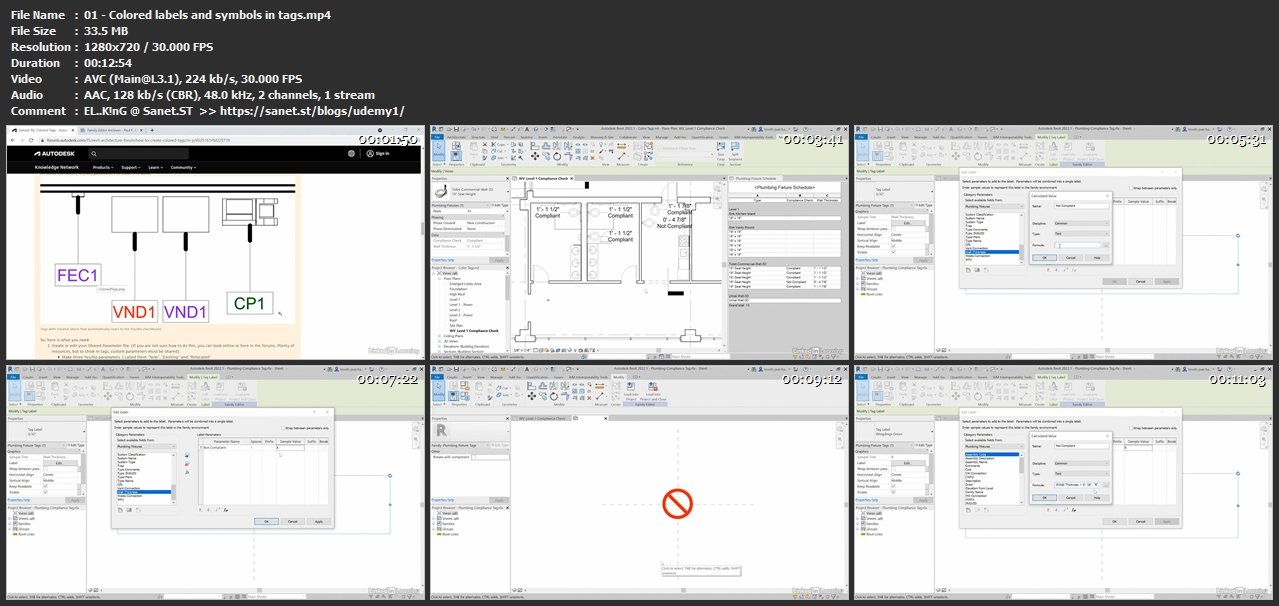
Screenshots
Homepage
without You and Your Support We Can’t Continue
Thanks for Buying Premium From My Links for Support
Click >>here & Visit My Blog Daily for More Udemy Tutorial. If You Need Update or Links Dead Don't Wait Just Pm Me or Leave Comment at This Post
Quick check before we show the links
Helps us keep automated scrapers from hammering the filehosts.