Lynda.com - Paneling with Dynamo for Revit
This post was published 7 years ago. Download links are most likely obsolete. If that's the case, try asking the uploader to re-upload.

Size: 620 MB | Duration: 2 hours and 51 minutes | Video: AVC (.mp4) 1280x720 15&30fps | Audio: AAC 48KHz 2ch
Genre: eLearning | Level: Intermediate | Language: English
Discover how to enhance your paneling design workflow with Autodesk Dynamo, the visual scripting tool for Revit. In this course, Colin McCrone shows how to use Dynamo to describe the logic behind a project, rationalize and document a complex façade with flat panels, and represent panels in Revit. Colin covers strategies for paneling different types of design surfaces, meeting various design constraints, analyzing results, and applying patterns.
Topics include:
Paneling strategies
Paneling with packages
Normalized curve and surface parameters
Importing geometry
Adaptive components
Conditional family placement
Analysis and data
Visualizing information
Panel orientation and dimensions
Embedding data in Revit elements
Applying a regular pattern and a random pattern
Mapping an image
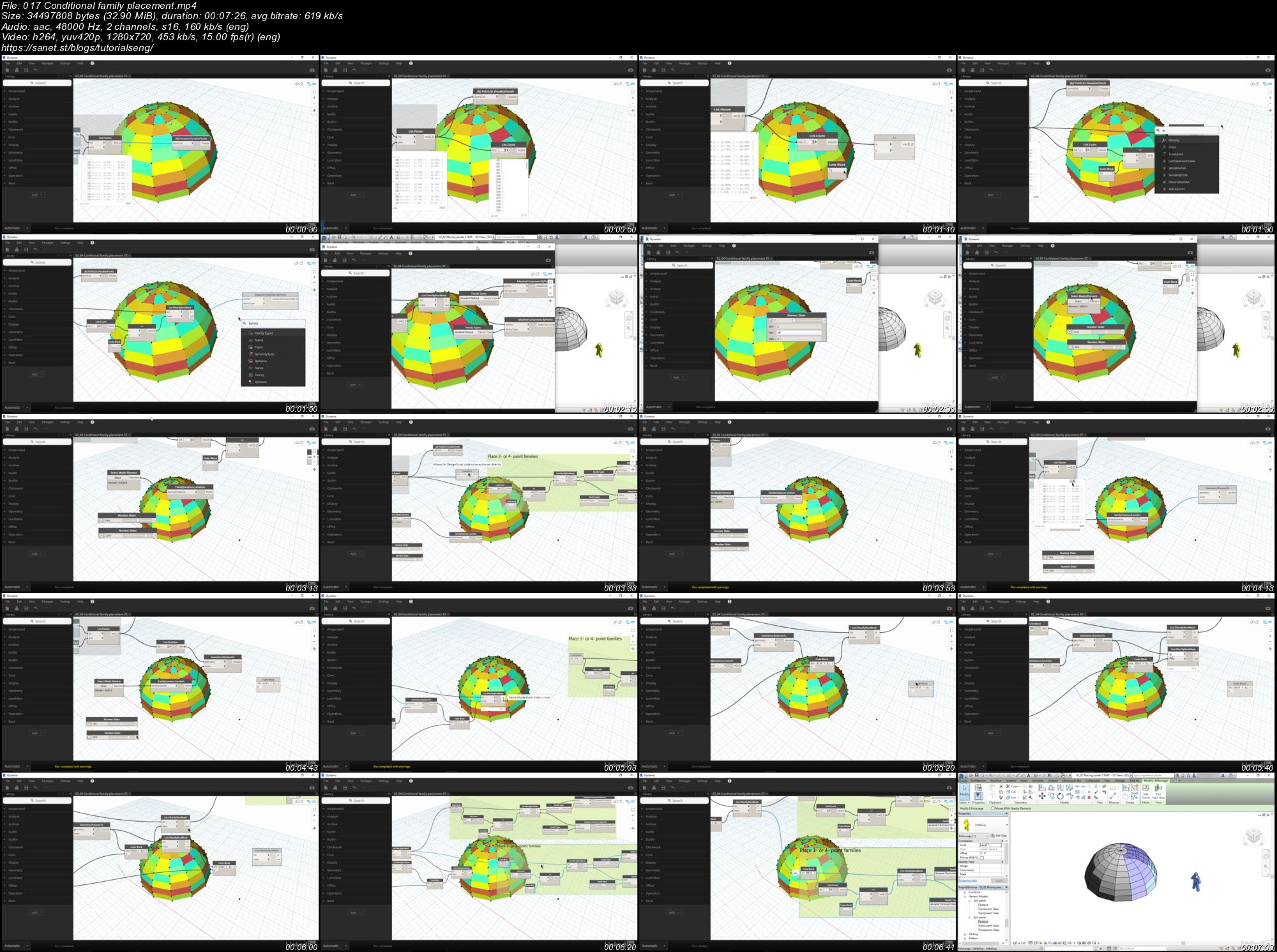
Screenshots
Quick check before we show the links
Helps us keep automated scrapers from hammering the filehosts.