CompTIA A+ (220-902) Cert Prep: 3 Windows Basics
This post was published 7 years ago. Download links are most likely obsolete. If that's the case, try asking the uploader to re-upload.
MP4 | Video: AVC 1280x720 | Audio: AAC 48KHz 2ch | Duration: 1 hour and 57 minutes | 750 MB
Genre: eLearning | Language: English
The CompTIA A+ Exam Prep series is a comprehensive six-part series designed to help IT professionals prepare for the CompTIA 220-902 exam, which focuses on operating systems and software. If you're looking to pass the exam for the first time or studying for renewal, this is the series for you.
Part 3 covers the Windows operating system: all the basics you need to know to troubleshoot the inside of a PC. Author and CompTIA expert Mike Meyers takes a look under the hood at the processes, services, and tasks and provides an overview of user management, which is one of the foundations of Windows security. In Chapter 3, you'll learn some techniques for maintaining and optimizing the performances of Windows, including backup and restore procedures. Every lesson maps to a question in the critical Windows domain—an estimated 30% of the exam.
Topics include:
What is the Windows registry?
Understanding the boot process
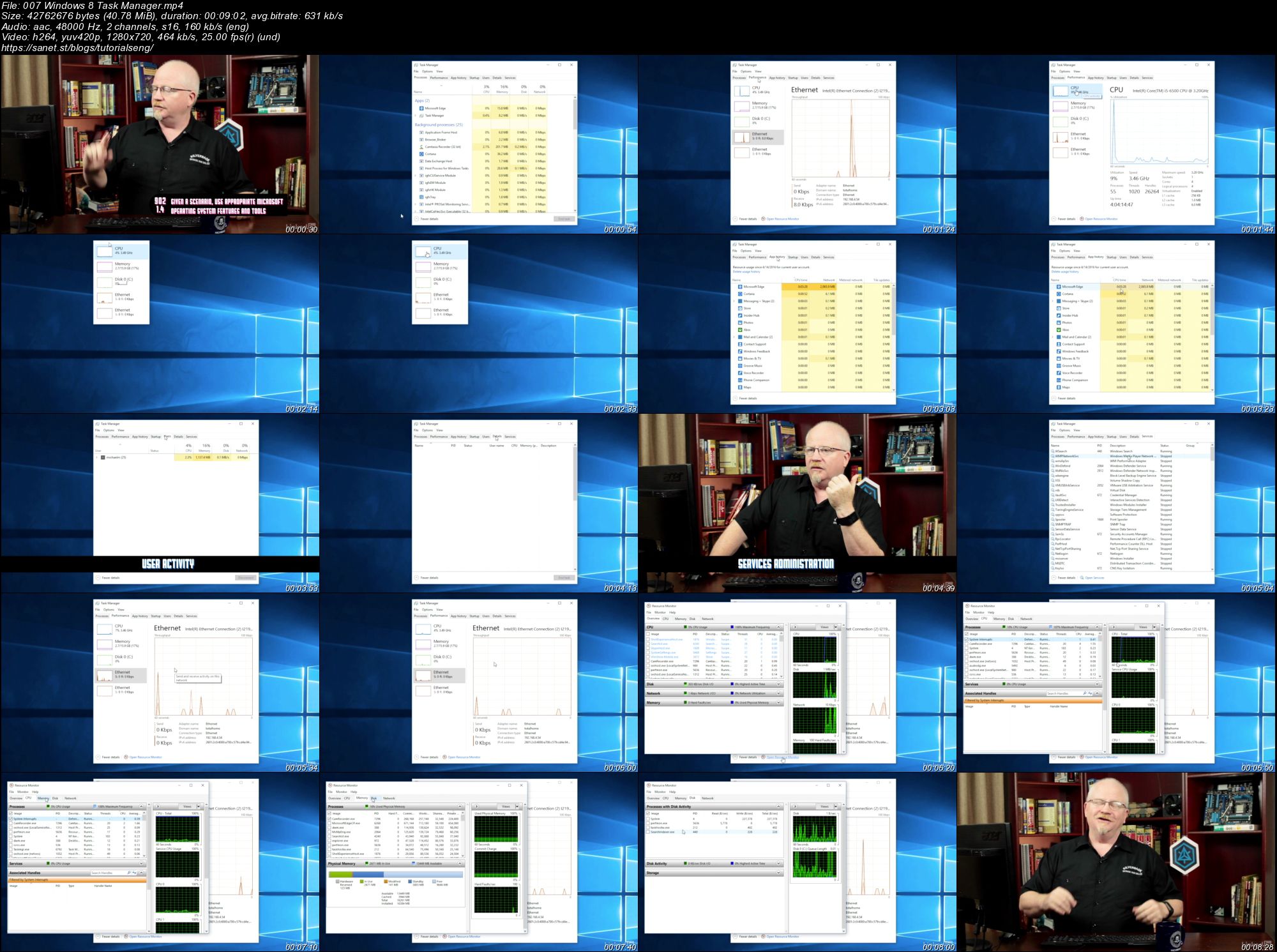
Using the Windows 8 Task Manager
Creating and managing users
Working in the Microsoft Management Console
Installing and uninstalling programs
Backing up and restoring Windows
Screenshots
Quick check before we show the links
Helps us keep automated scrapers from hammering the filehosts.