Building a Note-Taking App for iOS 11 with Swift
This post was published 8 years ago. Download links are most likely obsolete. If that's the case, try asking the uploader to re-upload.
MP4 | Video:1280x720 | Duration: 2h 2m | 311 MB
Genre: eLearning | Language: English | Level: Beginner
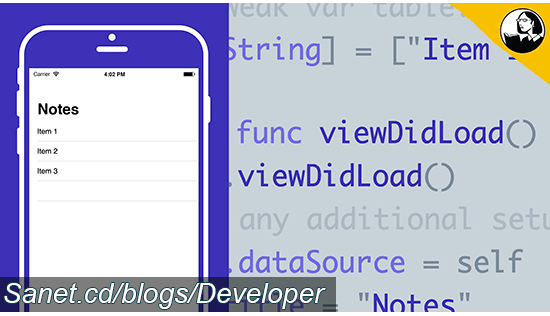
Create your first iPhone app while you learn the basics of Swift and Xcode. In this course, Todd Perkins shows how to create iOS 11 apps using the Swift programming language and the Apple integrated development environment, Xcode 9. First, learn how to build a simple user interface from a table view controller and connect the view to a data source. Find out how to build the functionality to allow users to delete, edit, and save notes, and discover how to transition between different views in your app. Todd also shows you how to display an on-screen keyboard and dynamically control the size of text. By the end of the course, you'll have built a fully functional iPhone app and developed the skills to build out your own app ideas.
Topics include
Creating an Xcode project
Configuring Xcode preferences
Creating a table view controller
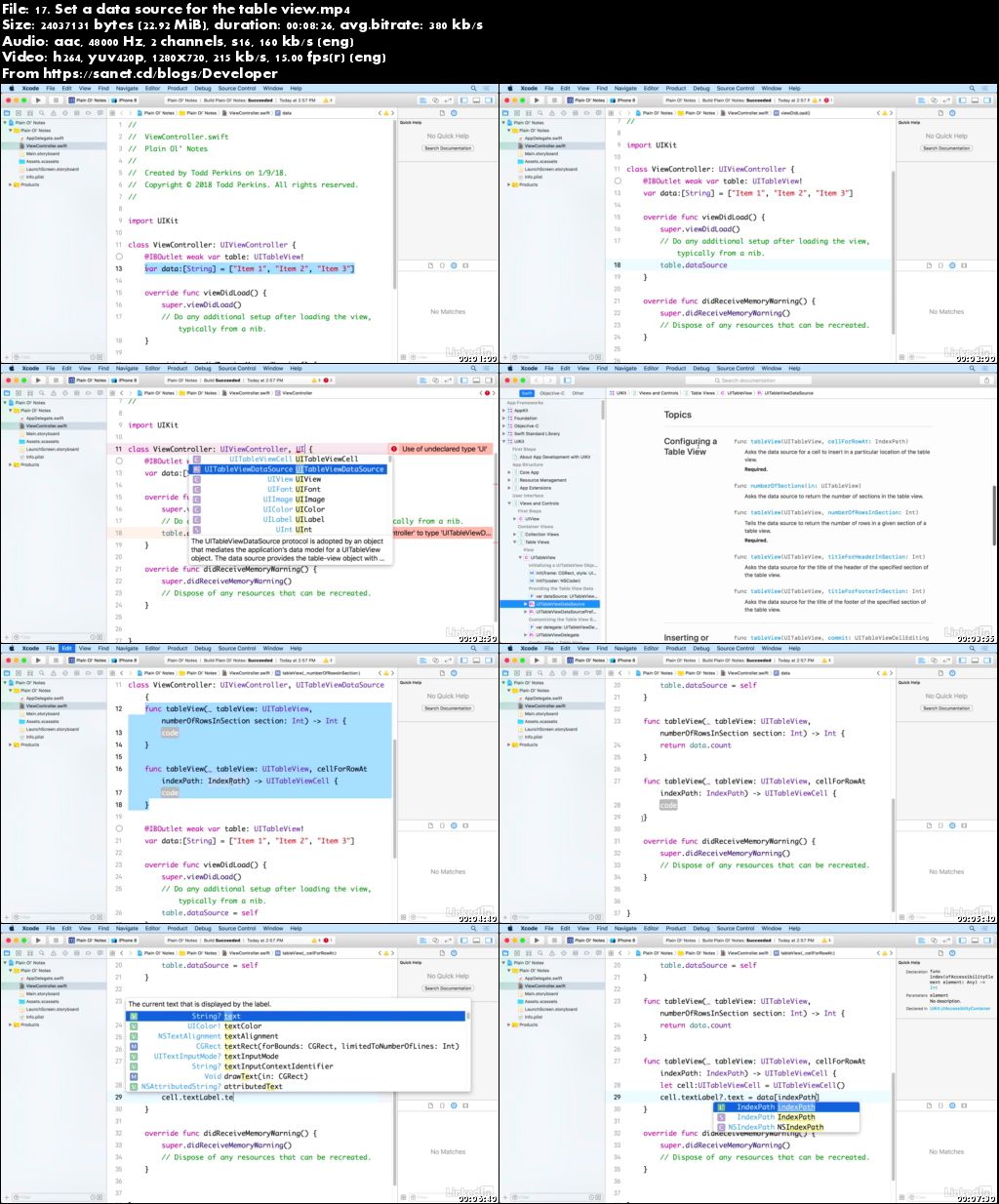
Setting a data source for the table view
Deleting, editing, and saving app data
Working with multiple view controllers
Screenshots
Quick check before we show the links
Helps us keep automated scrapers from hammering the filehosts.