Adobe Premiere Pro In One Day
This post was published 3 years ago. Download links are most likely obsolete. If that's the case, try asking the uploader to re-upload.

Published 2/2023
MP4 | Video: h264, 1280x720 | Audio: AAC, 44.1 KHz
Language: English | Size: 828.84 MB | Duration: 0h 49m
A Beginner's Course to Video Editing in Adobe Premiere Pro
What you'll learn
Downloading Adobe Premiere Pro
Adobe Premier Pro Functions
Music Selection and Legalities
Become acquainted with the process of editing
Exporting your Final Project
Requirements
A computer or laptop with at least 5G of space on the hard drive
Some kind of footage to edit (phone videos are ok!)
A desire to learn video editing using professional software
Description
This course is a beginner's guide to Adobe Premiere Pro. Within 10 short lessons you will be able to create your own video on your own. Course is designed for all those with little to no video editing experience with Premiere Pro, or video editing as a whole. This course is perfect if you’re brand new to video editing, or brand new to Adobe Premiere Pro.First, I’ll be walking you through how to sign up for your one week Free Adobe Premiere Pro trial, so you can see if you like editing in it before purchasing.Next I’ll take you step by step through the program, so you can understand how to create your own videos. We'll discuss what each window in Premiere Pro is called, and the function each provides. When working with your footage, I'll show you how to import your video footage into the program, and how to organize each clip so you don't forget about anything.I'll go over music selection, including the legalities of licensing music.Then you'll learn how to export your video into its own file you can then share online, or with family and friends.I can't wait to walk you through this powerful program!
Overview
Section 1: Introduction
Lecture 1 Introduction
Lecture 2 Downloading Adobe Premiere Pro
Section 2: Working in Adobe Premiere Pro
Lecture 3 Intro and Project Panel
Lecture 4 Source Monitor
Lecture 5 Timeline
Lecture 6 Program Monitor
Section 3: Music Selection
Lecture 7 Music: Part 1
Lecture 8 Music: Part 2
Section 4: Editing within Adobe Premiere Pro
Lecture 9 Watch Me Edit
Section 5: Exporting
Lecture 10 Compressing your Files
Those with little to no experience video editing,Those with little to no experience with Adobe Premiere Pro
Screenshots
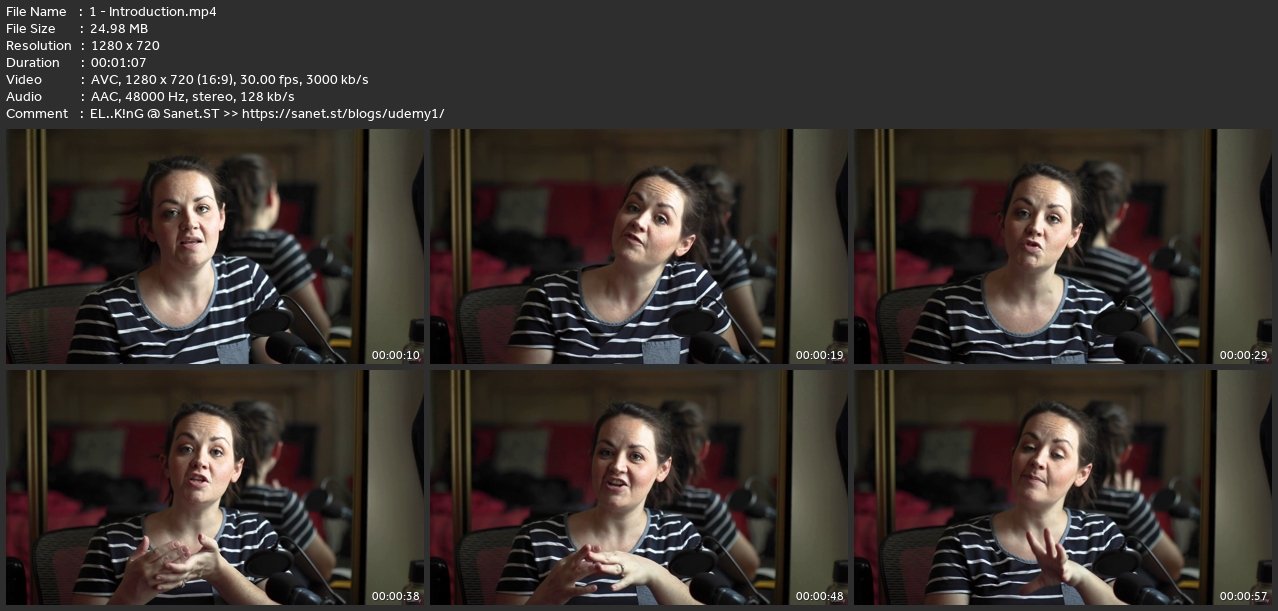
Homepage
without You and Your Support We Can’t Continue
Thanks for Buying Premium From My Links for Support
Click >>here & Visit My Blog Daily for More Udemy Tutorial. If You Need Update or Links Dead Don't Wait Just Pm Me or Leave Comment at This Post
Quick check before we show the links
Helps us keep automated scrapers from hammering the filehosts.