SharePoint: Migrating from Designer to Power Automate
This post was published 2 years ago. Download links are most likely obsolete. If that's the case, try asking the uploader to re-upload.
Duration: 1h 5m | .MP4 1280x720, 30 fps(r) | AAC, 48000 Hz, 2ch | 156 MB
Level: Intermediate | Genre: eLearning | Language: English
Explore how to use Power Automate, formerly Microsoft Flow, the cloud-based software for creating and automating workflows and tasks. As Power Automate becomes the default tool for creating business-based automation in SharePoint, learn about how to migrate SharePoint Designer workflows to accomplish the same tasks. Instructor April Dunnam walks through the features of Power Automate while pointing out notable differences from and improvements to SharePoint Designer features and methods including the recurrence trigger, calling an API using a flow, and project approval templates.
Homepage
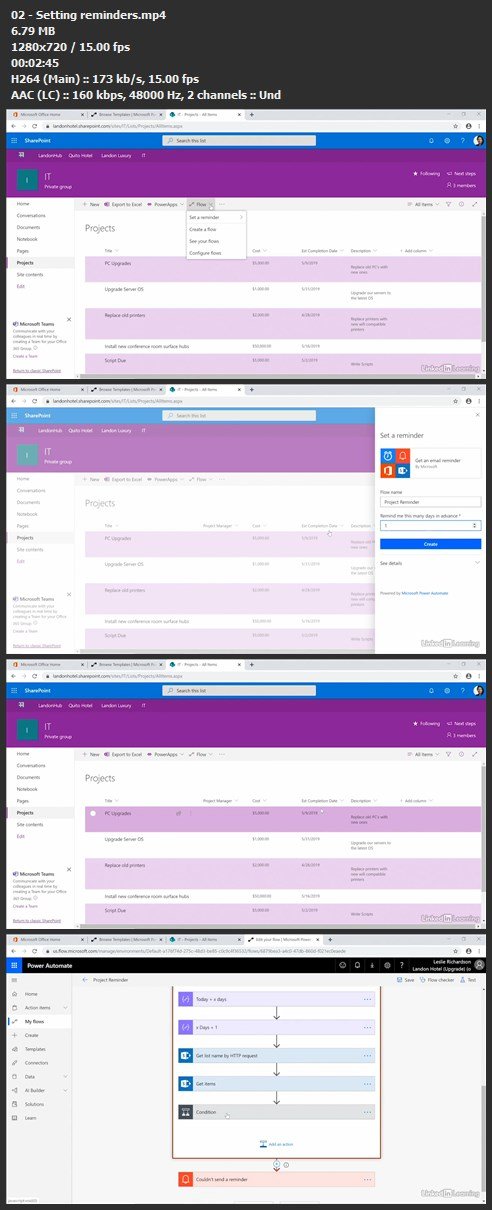
Screenshots
Quick check before we show the links
Helps us keep automated scrapers from hammering the filehosts.