InVideo Video Creation and Marketing: Beginner to Advanced
This post was published 6 years ago. Download links are most likely obsolete. If that's the case, try asking the uploader to re-upload.

Video: .MP4, 1280x720 30 fps | Audio: AAC, 44.1 kHz, 2ch | Duration: 07:59:13
Genre: eLearning | Language: English + Subtitles | Size: 4.16 GB
Free InVideo easy video creation & marketing: Beginner to advanced: YouTube, Facebook, Wordpress and Mailing Lists
What you'll learn
Easy InVideo cloud based marketing video creation
Video marketing via YouTube and Facebook
Posting videos to Facebook and websites
How to craft marketing videos that sell
Marketing on Pinterest, LinkedIn and Instagram with Adwords
Requirements
Web browser (Chrome demonstrated)
Description
Do you need to produce professional-quality online marketing videos fast, easy and, most important of all, for free?
This 8-hour course provides a detailed description and demonstration of every feature supported by a free, online, cloud-based and web-accessible software application named InVideo.
InVideo can be used to produce personal and business marketing videos for distribution online via social media and various marketing channels.
Facebook video memes
Animated logos
Real estate marketing ads
Affiliate product videos
Newsletter sign-up videos
Wedding Slideshows
Business Marketing Videos
Explainer Videos
InVideo includes thousands of free videos and images culled from Pixabay, Pexels, Storybook and other sites for easy insertion into your videos. It even includes videos and images from Shutterstock. Finish your video by adding free music, narrating scenes and by adding text and animated visual effects.
Using InVideo, you can quickly and easily create free professional-quality marketing videos that sell.
InVideo is backed by unparalleled customer support. All computing and storage are performed on cloud storage servers, accessible via any web browser (Chrome running on Windows 10 is demonstrated). InVideo is like Canva for the video market. Did I mention that it’s free?
This course not only addresses all features of the InVideo application, but it also provides a critically needed understanding of the most important of the social media and video marketing channels.
Each section of information in this course is terminated by a workshop demonstration of the concepts addressed and a textual project for the student to complete and share to demonstrate their proficiency with the material before moving on.
Of the eight and a half hours of training material provided, five hours constitute an in-depth, deep-dive look at InVideo while the remaining three hours focus on online video marketing.
This course is really two courses skillfully melded together: an inVideo beginner through advanced training course and an overview of online video marketing strategies and techniques.
This course addresses the following major topics:
Section 1: Prologue – Quick dive into the ease and power of InVideoSection 2: Introduction – Introductory material all created using InVideoSection 3: Option 1: Script to Video Quick StartSection 4: YouTube and Facebook Video MarketingSection 5: Option 2: Using a TemplateSection 6: Intermission – Please leave a reviewSection 7: Sales Funnels and Video Marketing That SellsSection 8: Option 3: Do It YourselfSection 9: InVideo Marketing Video DemonstrationsSection 10: Advanced Video Marketing – Pinterest, LinkedIn, Instagram and AdWords (Elided)Section 11: Conclusion
Due to the expansive nature of the topic of online video marketing, this course provides little more than an overview of the topic. However, given the introductory material covered here, you should know more than enough to begin applying InVideo technology to your business. You will also more easily be able to find in-depth material explicitly detailing your chosen modes of online video marketing once you’ve completed this overview and understand your options.
To pay the bills, InVideo provides a business class usage option that costs $10 per month. This course encourages you to enroll for free and then consider upgrading – most likely soon afterward ;-). A Free vs Business class comparison is provided early in the course.
To top it all off, this course is cheap – priced at $19.99, you should pay significantly less. Then there’s Udemy’s 30-day no questions asked money-back guarantee. So, what have you got to lose?
Who this course is for:
Those new to video marketing looking for an easier way to begin
Those familiar with video marketing looking for an easier way to continue
Those looking for detailed information on the use of InVideo for marketing video production
Those interested in learning video marketing via YouTube, Facebook, websites and video newsletters
Those who want to create entire training courses via InVideo
Those interested in marketing on Pinterest, LinkedIn and Instagram Using Adwords
Homepage
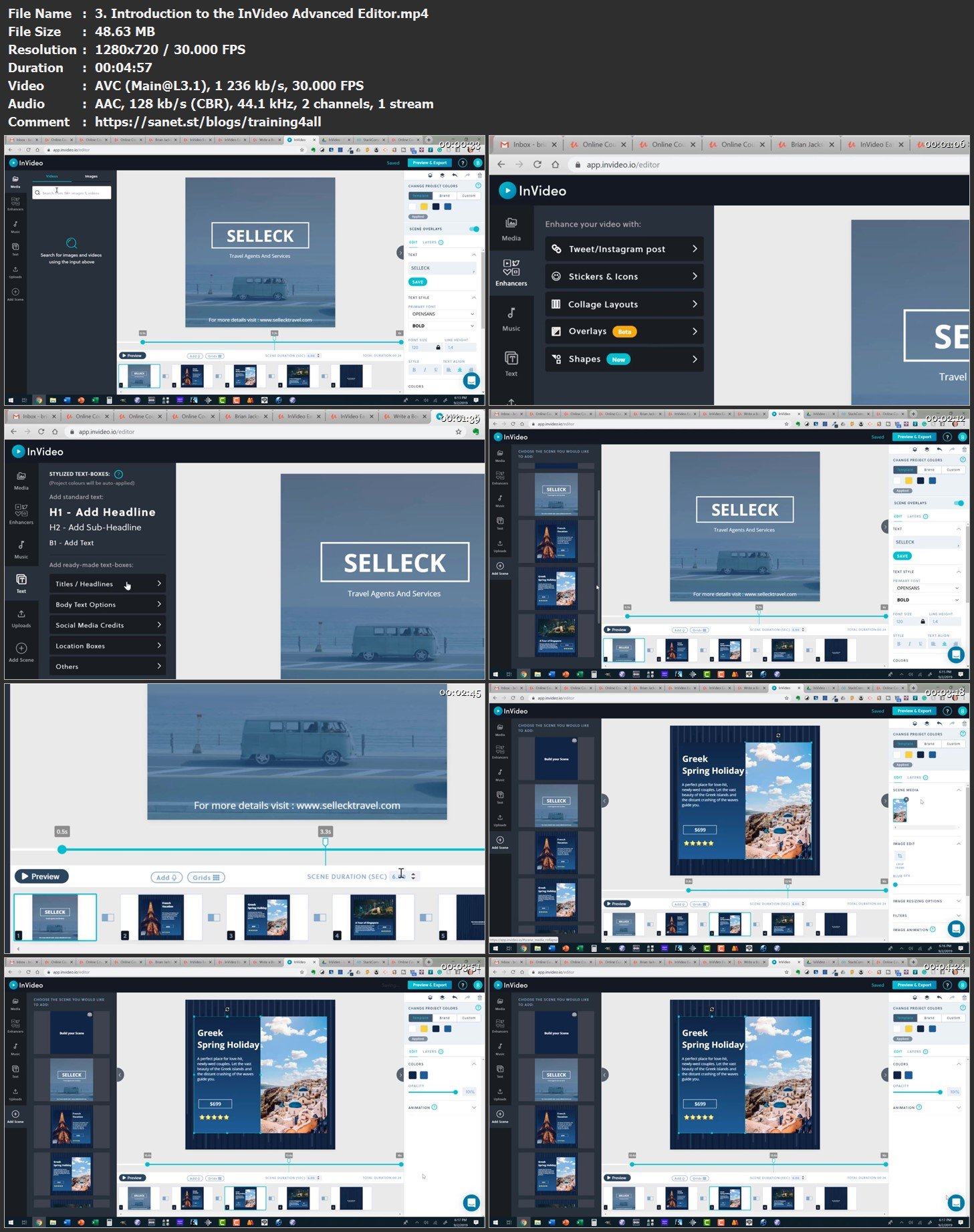
Screenshots
Bookmark my blog to get more stuff every day!
Newest course ==>> Training for all <<== Newest course
Latest OS ===>> Share for Progressive <<=== Latest OS
Huge book blog ====>> Books <<==== Huge book blog
Quick check before we show the links
Helps us keep automated scrapers from hammering the filehosts.