Protecting Data in Motion | How to Be Safe Online
This post was published 5 years ago. Download links are most likely obsolete. If that's the case, try asking the uploader to re-upload.

MP4 | Video: h264, 1280x720 | Audio: AAC, 44100 Hz
Language: English | Size: 385 MB | Duration: 30m
This entry-level class is designed to help you increase the privacy and security of your online digital presence.
By systematically going through each of these short and simple instructions, you’ll be able to easily accomplish all the tasks at a comfortable pace.
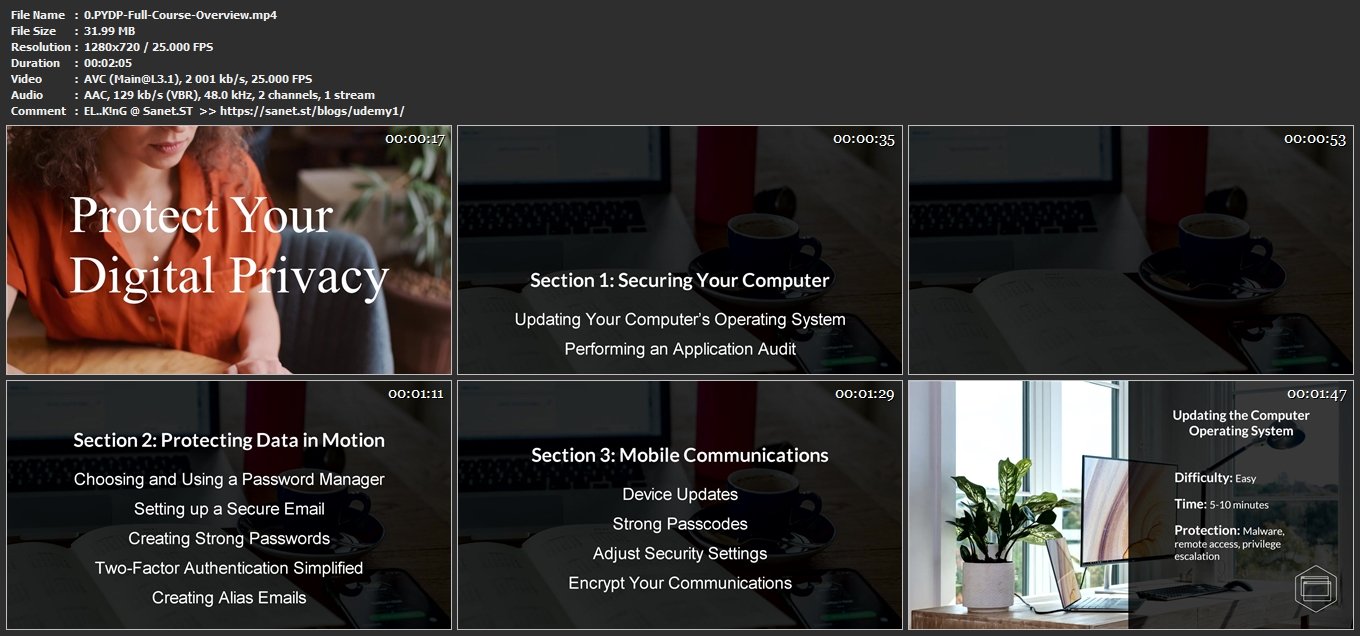
In this second section of the four-part course, you'll learn about:
Choosing and Using a Password Manager
Setting up a Secure Email
Creating Strong Passwords
Two-Factor Authentication Simplified
Creating Alias Emails
and the methods for implementing improvements to each.
Protecting your digital privacy is a wide spectrum, so whether you're the person who simple wants to avoid the commercial exposure and release (either legally or illegally) of your personal information on the internet or the person needing to protect (and secure) their privacy from unwanted attention, this course will have value to you.
We'll be covering a lot of topics, but I've designed the course specifically as an entry-level for the beginner concerned about privacy. It's an excellent introduction to the tools and techniques of privacy and security, and to building long-lasting habits.
Each section will focus on a group of related tasks and each lecture will have clear goals and actionable steps to success, presented through a combination of video clips, slides, and audio instruction. And I'll be available to answer all your questions using the class discussion area.
I'm excited to present this course and look forward to your participation.
See you soon!
Screenshots
Homepage
Without You And Your Support We Can’t Continue
Thanks For Buying Premium From My Links For Support
Click >> Here & Visit My Blog Daily For More Udemy Tutorial. if You Need Update or Links Dead Don't Wait Just PM Me or Leave Comment at This Post
Quick check before we show the links
Helps us keep automated scrapers from hammering the filehosts.