Build Strava Clone in iOS using MapKit, Realm and UIKit
This post was published 4 years ago. Download links are most likely obsolete. If that's the case, try asking the uploader to re-upload.

Genre: eLearning | MP4 | Video: h264, 1280x720 | Audio: AAC, 48.0 KHz
Language: English | Size: 1.74 GB | Duration: 3h 49m
Build Run Tracker of Your Own and Keep Run Logs
What you'll learn
MapKit
UIKit
Building Custom Controls
Complete App Development
Location Tracking
Realm Database
TableView Controller
MapView and Its delegates
Description
In this course we will build a mini Strava clone from scratch. This app will allow you to track user's location using core location along with displaying their location inside a map. You will be building custom controls from scratch while learning about various reusable components. You will learn to build components in code.
Complete app is written programmatically so we will not be using any storyboard or nib or xib files to create our views. You will learn about programmatic autolayout constraints.
You will learn about CoreLocation, location tracking while user is running and you will learn to keep track of user's location on the Map using MapKit. You will learn to build custom annotations and add custom annotations into map view to show user's start and end locations. You will learn about mapkit and its delegate functions.
We will use realm database to store previous run data so you will learn how to integrate realm into your project using Cocoapods. You will learn to model objects for your realm database so you data can be represented in table format with one to may relationships.
We will also build a component to add shimmer effect to a label which will have a custom slider control to end the current run.
Who this course is for:
Students who wants to build complete app from scratch.
Screenshots
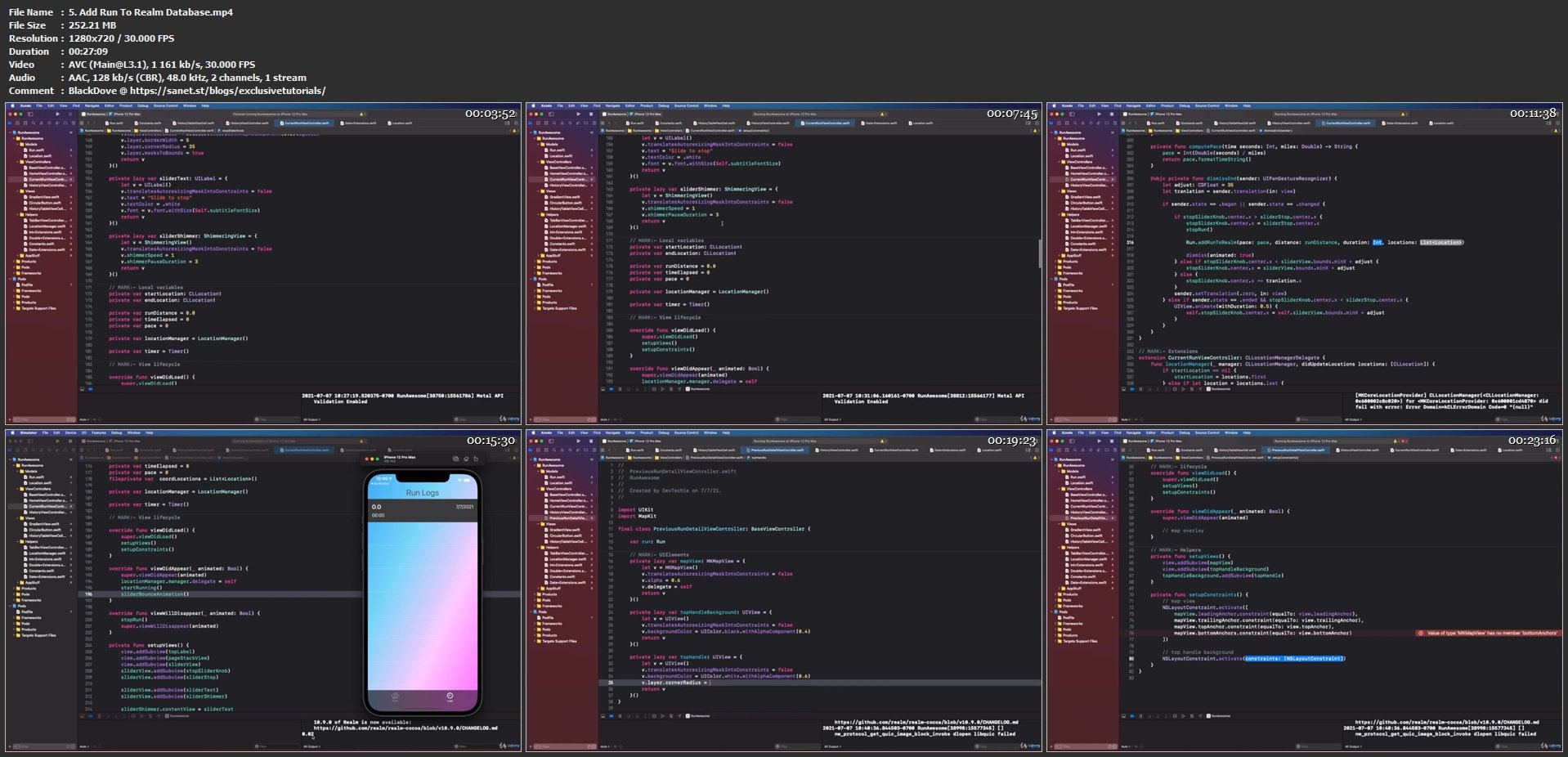
Homepage
Without You And Your Support We Can’t Continue
Please Buy Premium Account From My Links For Support
Click >> Here & Visit My Blog Daily For More Udemy Tutorial. if You Need Update or Links Dead Don't Wait Just PM Me or Leave Comment at This Post
Quick check before we show the links
Helps us keep automated scrapers from hammering the filehosts.