How To Create Video Flythrough Animations In Lumion
This post was published 3 years ago. Download links are most likely obsolete. If that's the case, try asking the uploader to re-upload.
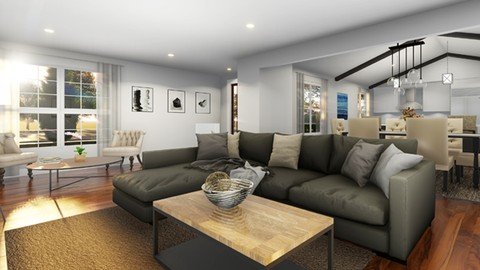
Last updated 9/2018
MP4 | Video: h264, 1280x720 | Audio: AAC, 44.1 KHz
Language: English | Size: 2.80 GB | Duration: 2h 10m
Learn how to create a professional video animation with Lumion 8.3
What you'll learn
After taking this course students will be able to import a sketchup model into Lumion and create a High Quality video flythrough with animation and video efffects
Requirements
Students should have Access to Lumion to follow along with this course
Description
Want to learn how to create a professional video animation for your Architectural Models? In this course we will go over how to import a SketchUp model into Lumion 8.3, adjust materials, add landscaping, Import furniture, Create a video sequence and add Visual Effects! We will also go over Lumion video render setting options and many useful tips along the way. Enroll in this course today and take your Modeling skills to the next level! Lets Get Started!
Overview
Section 1: Introduction
Lecture 1 Introduction
Lecture 2 Importing a SketchUp Model into Lumion
Lecture 3 Editing Materials
Lecture 4 Editing Interior Materials and Adding Lighting
Lecture 5 Updating a SketchUp Model and Adding Furniture
Lecture 6 Adding Landscaping
Lecture 7 Creating Video Scenes
Lecture 8 Adding Visual Effects and Advanced Animating Doors
Lecture 9 Setting video output quality and Rendering a Final video
This course is for anyone interested in learning how to create great looking videos and animations with Lumion
Screenshots
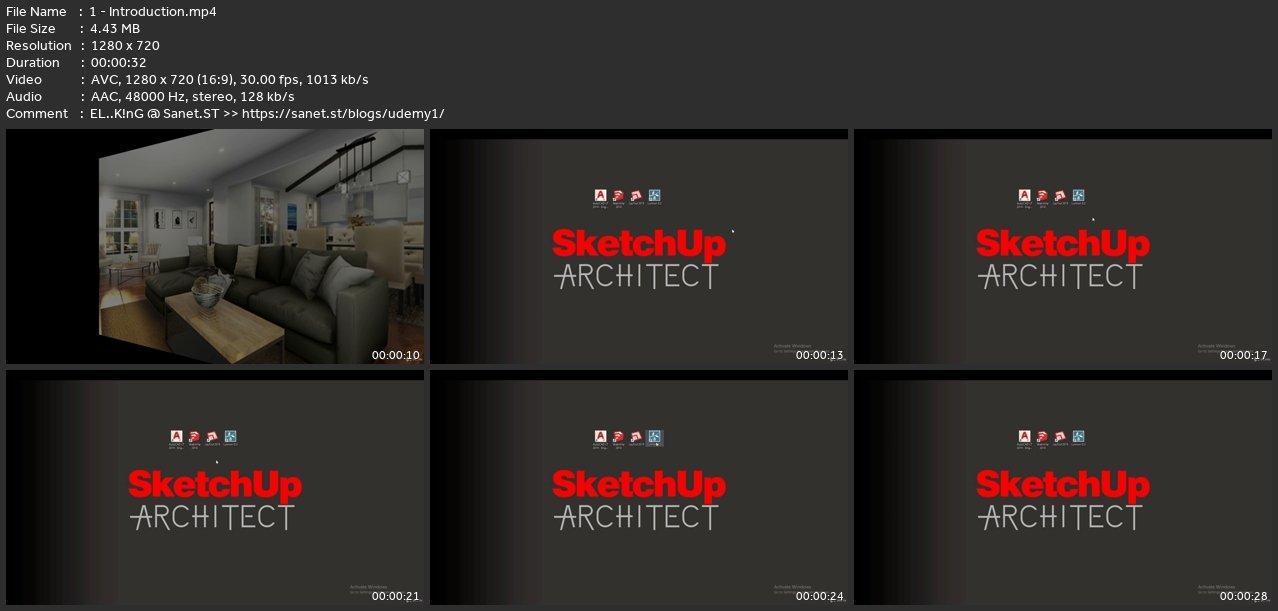
Homepage
without You and Your Support We Can’t Continue
Thanks for Buying Premium From My Links for Support
Click >>here & Visit My Blog Daily for More Udemy Tutorial. If You Need Update or Links Dead Don't Wait Just Pm Me or Leave Comment at This Post
Quick check before we show the links
Helps us keep automated scrapers from hammering the filehosts.