Learn in 10 - 3D Map Pin Loop Animation
This post was published 4 years ago. Download links are most likely obsolete. If that's the case, try asking the uploader to re-upload.

MP4 | Video: h264, 1280x720 | Audio: AAC, 44100 Hz
Language: English | Size: 165 MB | Duration: 11m
Hi everyone, and welcome to my new class series Learn in 10 (this is the first one)
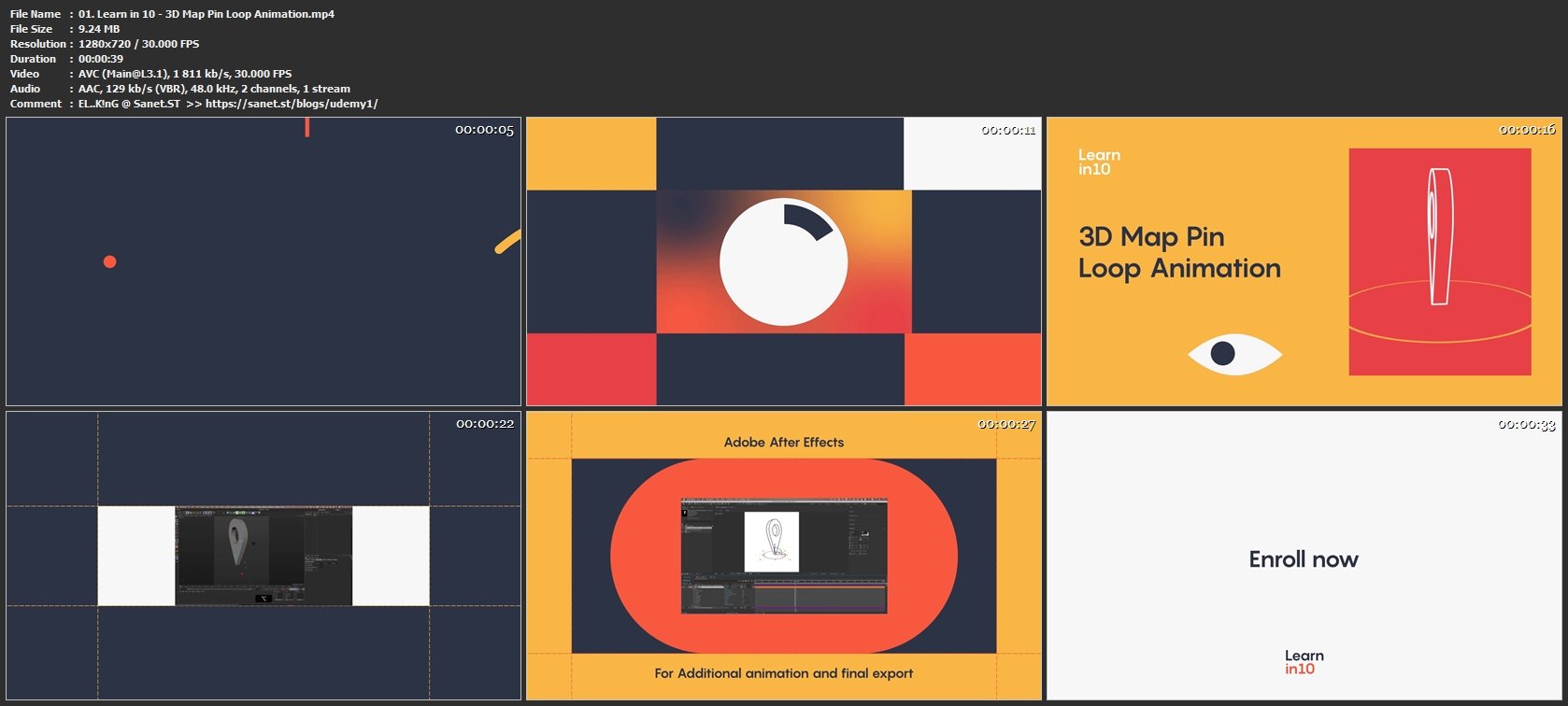
In this class, we will Design and Animate a 3d Map pin and make a looping gif. We will explore 3 different software, Adobe Illustrator, Maxon Cinema 4d and Adobe after effects.
Adobe Illustrator
• Use Basic Shape tools to create more detailed designs
• Use Pathfinder tool to create detailed shapes
• Save in Illustrator version 8 to Import in cinema 4D
Maxon Cinema 4D
• Importing Splines into C4D
• Project Settings • Modeling Tool Extrude
• Basic keyframe animation
• Render settings
• Sketch and Toon Render Effect
• Object buffer
•Multipass render
Adobe After effects
• After effects stroke animation
• Using multipass render to create masks
• Using Tint to control colours
• Creating Gifs with media encoder
This will be a compressed class to save you time learning, although you don't need to follow my speed and do it simultaneously. Take your time to absorb and experiment with the colours of the setting and Animation curves. By the end of the day, you are supposed to learn something and have fun!
Screenshots
Homepage
Without You And Your Support We Can’t Continue
Thanks For Buying Premium From My Links For Support
Click >> Here & Visit My Blog Daily For More Udemy Tutorial. if You Need Update or Links Dead Don't Wait Just PM Me or Leave Comment at This Post
Quick check before we show the links
Helps us keep automated scrapers from hammering the filehosts.