Master the Pen Tool in Adobe Illustrator
This post was published 4 years ago. Download links are most likely obsolete. If that's the case, try asking the uploader to re-upload.
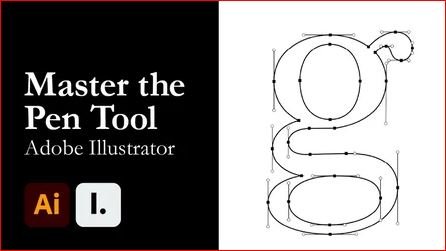
MP4 | Video: h264, 1280x720 | Audio: AAC, 44100 Hz
Language: English | Size: 395 MB | Duration: 49m
Hi everyone,
It's Hunter from Interactiv. Today I will be teaching this course on mastering the pen tool in Adobe Illustrator. Illustrator is a powerful tool that allows you to turn basic shapes and colours into illustrations, logos, icons, fonts and more. Using Illustrator gives you flexibility with output size and is the go-to program for creating a professional design.
This course will teach beginners and intermediate users how to enhance their pen tool game. We have broken the process down into five chapters:
Introduction:
We start by downloading Adobe Illustrator. If you don't currently have Adobe Illustrator, you can get a 7-day free trial by heading to Adobe.com. This chapter is also when we download the working files.
Getting Started with Adobe Illustrator
Chapter two is for everyone who has never used Illustrator. We will cover how Illustrators workspace is laid out. I will also show you the quickest way to navigate the Document Window, like zooming and panning.
Basics of the Pen tool - Create the letter A
It's time to start using the Pen Tool. This chapter will cover all the basics of how to the Pen Tool. First, we will start simple with the creation of anchors and direction handles to bend paths. Then, I will show you a quick overview of the corner widget, and we'll add and remove anchor points. Lastly, we will punch out the triangle in the letter a using pathfinder's subtract tool.
Advanced Path Editing Techniques - Letter G
This course steps up the intensity. We will go over how to create perfect curves with horizontal and vertical handles. Using other shapes and scaling them is also a great way to create paths.
Conclusion
We will finish off the course by updating our project and showcasing what we have learned. I will show you a method to create practice templates to enhance your skills.
Screenshots
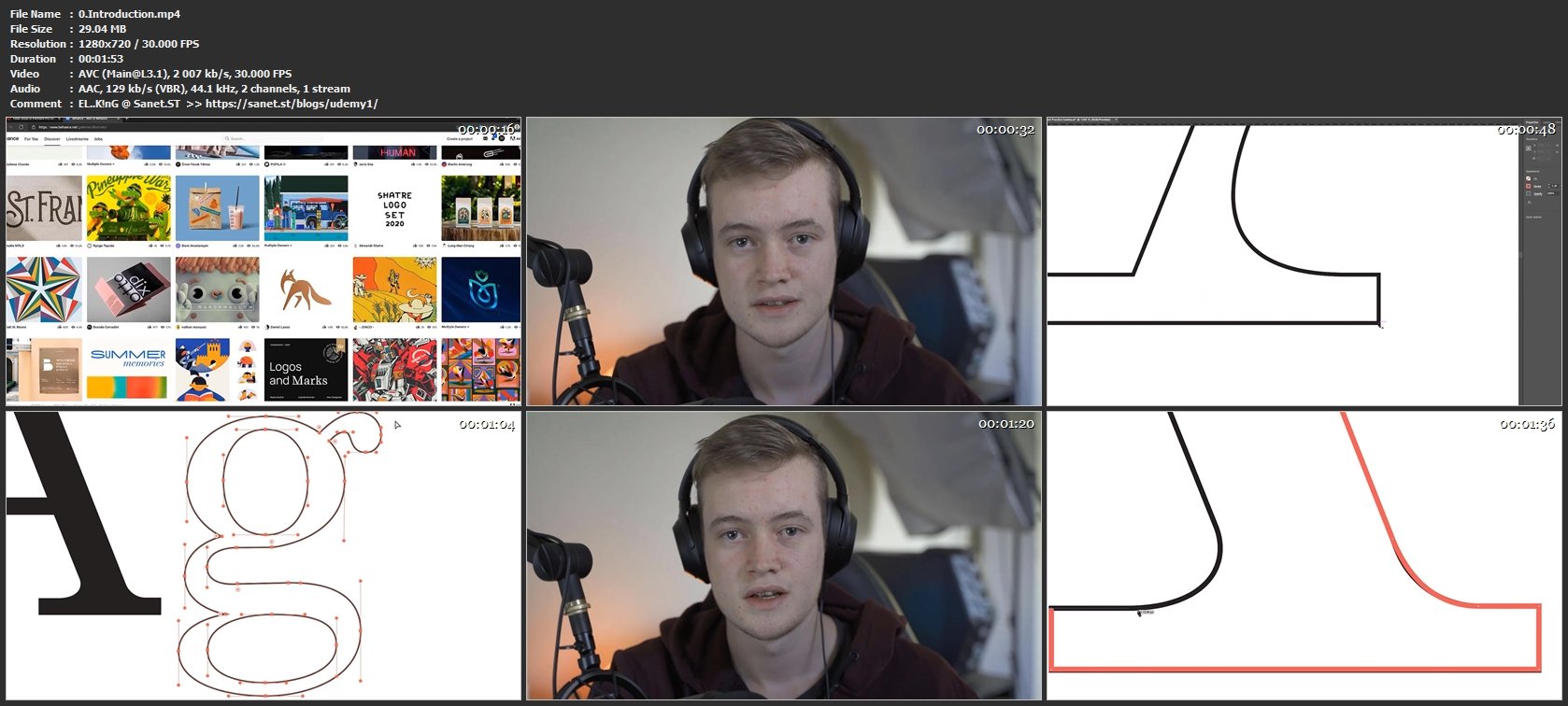
Homepage
Without You And Your Support We Can’t Continue
Thanks For Buying Premium From My Links For Support
Click >> Here & Visit My Blog Daily For More Udemy Tutorial. if You Need Update or Links Dead Don't Wait Just PM Me or Leave Comment at This Post
Quick check before we show the links
Helps us keep automated scrapers from hammering the filehosts.