Adobe Illustrator on the iPad: Beginner
This post was published 5 years ago. Download links are most likely obsolete. If that's the case, try asking the uploader to re-upload.
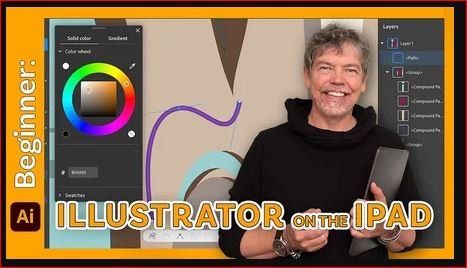
MP4 | Video: h264, 1280x720 | Audio: AAC, 44100 Hz
Language: English | Size: 1.89 GB| Duration: 2h 7m
Hi - I'm Tim
I'm an Adobe Certified Instructor and Adobe Certified Expert and designer working in and around London.
This course is an introduction to Adobe Illustrator on the iPad with tutorials and step-by-step projects, starting right from the beginning for complete beginners. You do not have to be able to draw to complete this Illustrator on the iPad course.
Together we will look at a specific set of tools and techniques. Then I will give you some projects to complete to reinforce your knowledge.
All the content can be adapted for both print or web.
You will learn the basics of Illustrator for the iPad and solidify your knowledge by creating icons, logos and posters.
This course is for anyone new to Illustrator on the iPad, whether you have used Illustrator on the Desktop or not. All you need is an iPad with an Apple Pencil and copy of Adobe Illustrator for the iPad.
During the videos there will also be key phrases that appear to help you remember tools, shortcuts and techniques.
At the end of this course you will have good understanding of the basics of Illustrator on the iPad and will be able to create simple yet eye-catching and exciting graphics.
All the exercise files come from the Royalty Free website Unsplash.com with thanks to the following photographers / artists: Sam Browne (Jazz), Augustine Wong (wall texture)
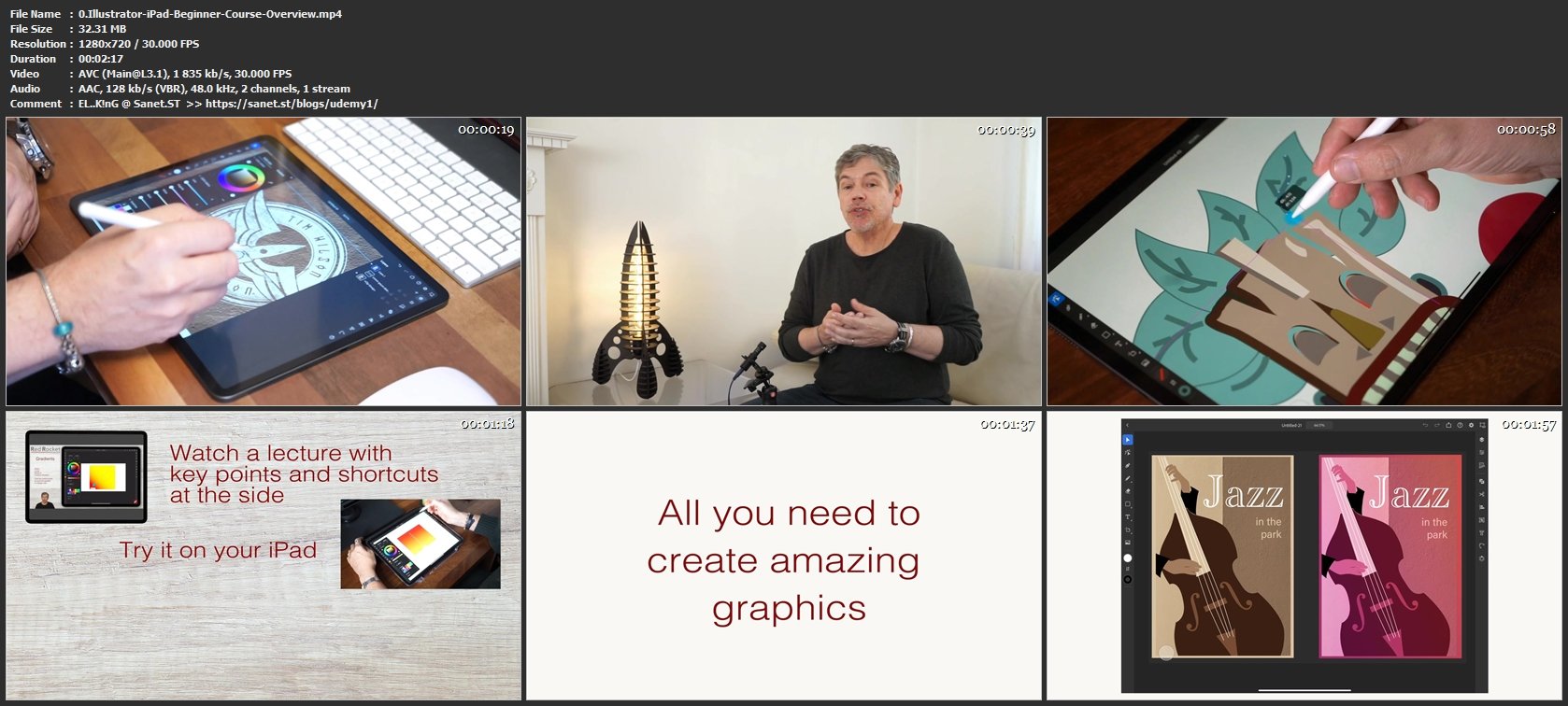
Screenshots
Homepage
Without You And Your Support We Can’t Continue
Thanks For Buying Premium From My Links For Support
Click >> Here & Visit My Blog Daily For More Udemy Tutorial. if You Need Update or Links Dead Don't Wait Just PM Me or Leave Comment at This Post
Quick check before we show the links
Helps us keep automated scrapers from hammering the filehosts.