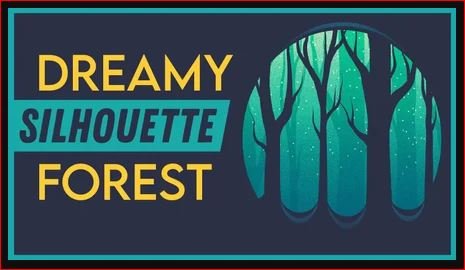
Making Dreamy Silhouette Forest in Adobe Illustrator
This post was published 5 years ago. Download links are most likely obsolete. If that's the case, try asking the uploader to re-upload.
MP4 | Video: h264, 1280x720 | Audio: AAC, 48000 Hz
Language: English | Size: 508 MB | Duration: 44m
Into this class we’re creating dreamy silhouette forest in Adobe Illustrator.
During the class we’ll create an illustration of a forest. We’re going to be working with simple shapes and a bunch of tools, such as the Pencil tool, Warp, Width & Symbol sprayer tools, Shape Builder & Eyedropper tools to create a nice looking picture. As a bonus, we'll learn how to add the texture.
All the elements that we're going to be creating and all the tools that we're going to be using are mouse-friendly, so you don't need to have a graphic tablet. (But you might try to use it, if you want & have one :))
In the project and resource tab, you can find the file called “Color scheme” with all the swatches that were used during the class and that you can apply to your picture.
As a result you’ll learn how to use the different tools of Adobe Illustrator, and will be able to make simple landscape illustration.
You can use the final picture as sticker, postcard, some digital product or whatever you want.
This class is beginner-friendly, so don’t worry if you have no previous experience in Adobe Illustrator.
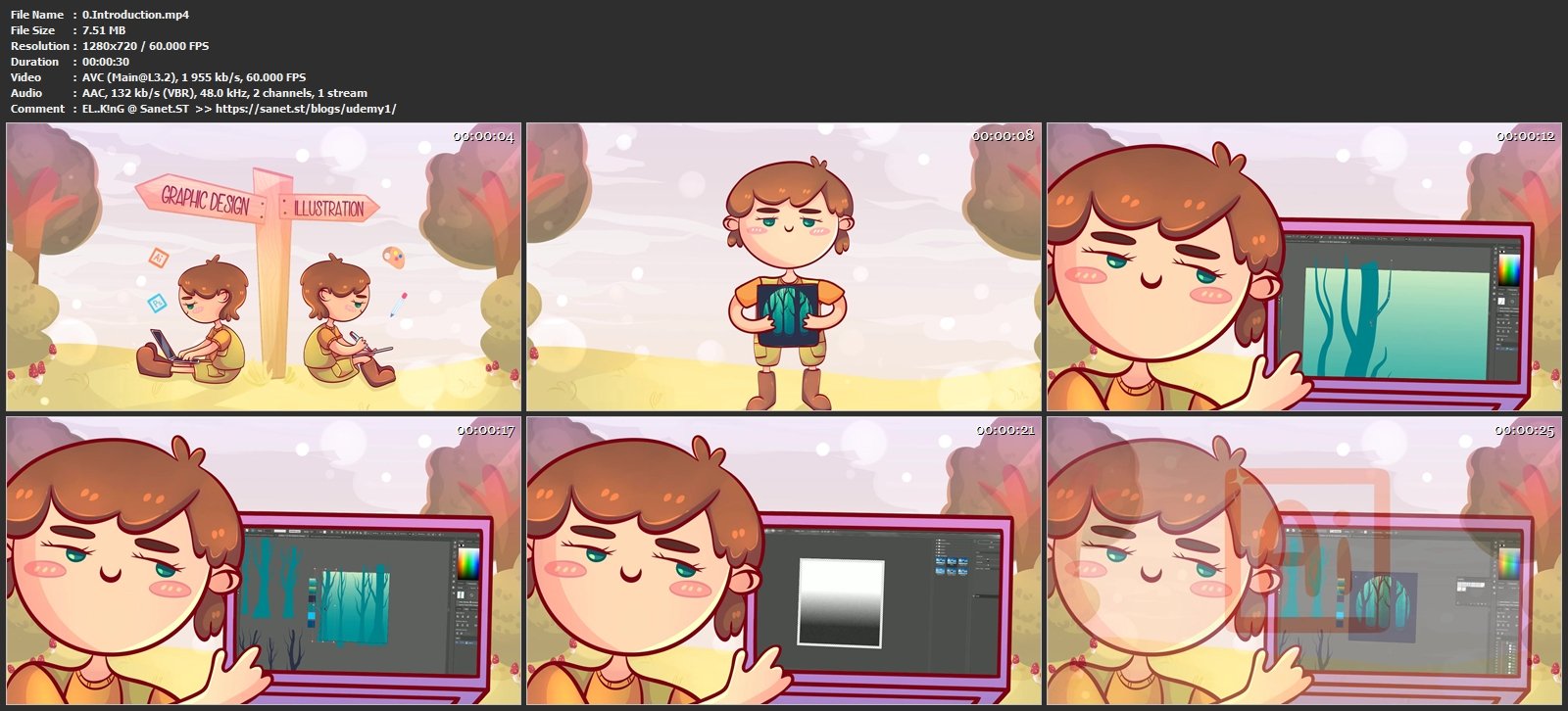
Screenshots
Homepage
Without You And Your Support We Can’t Continue
Thanks For Buying Premium From My Links For Support
Click >> Here & Visit My Blog Daily For More Udemy Tutorial. if You Need Update or Links Dead Don't Wait Just PM Me or Leave Comment at This Post
Quick check before we show the links
Helps us keep automated scrapers from hammering the filehosts.