Hybrid Meetings
This post was published 2 years ago. Download links are most likely obsolete. If that's the case, try asking the uploader to re-upload.

Published 2/2024
MP4 | Video: h264, 1920x1080 | Audio: AAC, 44.1 KHz
Language: English | Size: 858.14 MB | Duration: 0h 41m
Equip yourself to successfully host an effective hybrid meeting.
What you'll learn
Describe three types of hybrid meetings and their benefits
Create a checklist for preparing meeting environment(s) for hybrid meetings
Determine how location constraints affect running a hybrid meeting
List the common types of technical problems that arise with hybrid meetings
Describe the role and responsibilities of the technical host
Determine lighting, microphone, and speaker placements
Describe how to set expectations for meeting attendees
List options for using whiteboards in a hybrid meeting
Manage small groups and breakout rooms in a hybrid setting
Identify ways to engage attendees
Create activities that allow simultaneous in-person and virtual participation
Requirements
Anyone can learn this course
Description
Learn how to prepare and execute effective hybrid meetings that are engaging and inclusive for all attendees.Many organizations are struggling to include everyone in meetings, regardless of their location. Hybrid meetings are a great solution but present many additional hurdles. In this Bigger Brains course, you’ll learn how to choose which type of hybrid meeting to plan for by considering the goal, participation needs, and location options. You’ll learn about common technical problems associated with hybrid meetings and review the set-up considerations for audio, video, lighting, and presentation options.We’ll teach you how to be an effective hybrid meeting facilitator. You’ll learn how to communicate expectations for meeting attendees, such as technical skills needed for participation and how to participate by chat and speaking.You’ll also learn how to plan for visual aids, use handouts and whiteboards, separate attendees into small groups, and how to incorporate engagement activities into your hybrid meetings, such as icebreakers, polls, and hook questions.By the end of this course, you will be equipped to take on and succeed at hosting your own hybrid meeting!Topics covered include:Describing three types of hybrid meetings and when to use themCreating a checklist for preparing meeting environment(s) for hybrid meetingsDetermining how location constraints affect running a hybrid meetingListing the common types of technical problems that arise with hybrid meetingsDescribing the role and responsibilities of the technical hostDetermining lighting, microphone, and speaker placementsDescribing how to set expectations for meeting attendeesListing options for using whiteboards in a hybrid meetingManaging small groups and breakout rooms in a hybrid settingIdentifying ways to engage attendeesCreating activities that allow simultaneous in-person and virtual participationEnjoy high-quality HD content in the “Uniquely Engaging”TM Bigger Brains Teacher-Learner style!
Overview
Section 1: Getting Started
Lecture 1 Introduction
Lecture 2 Planning a Hybrid Meeting
Section 2: Technical Issues
Lecture 3 Common Issues
Lecture 4 Technical Solutions
Section 3: Facilitator Considerations
Lecture 5 Facilitating the Meeting
Lecture 6 Visual Aids and Small Groups
Lecture 7 Engagement Activities
Business professionals who will participate in hybrid meetings and who want to be prepared to lead better, more effective meetings.
Screenshots
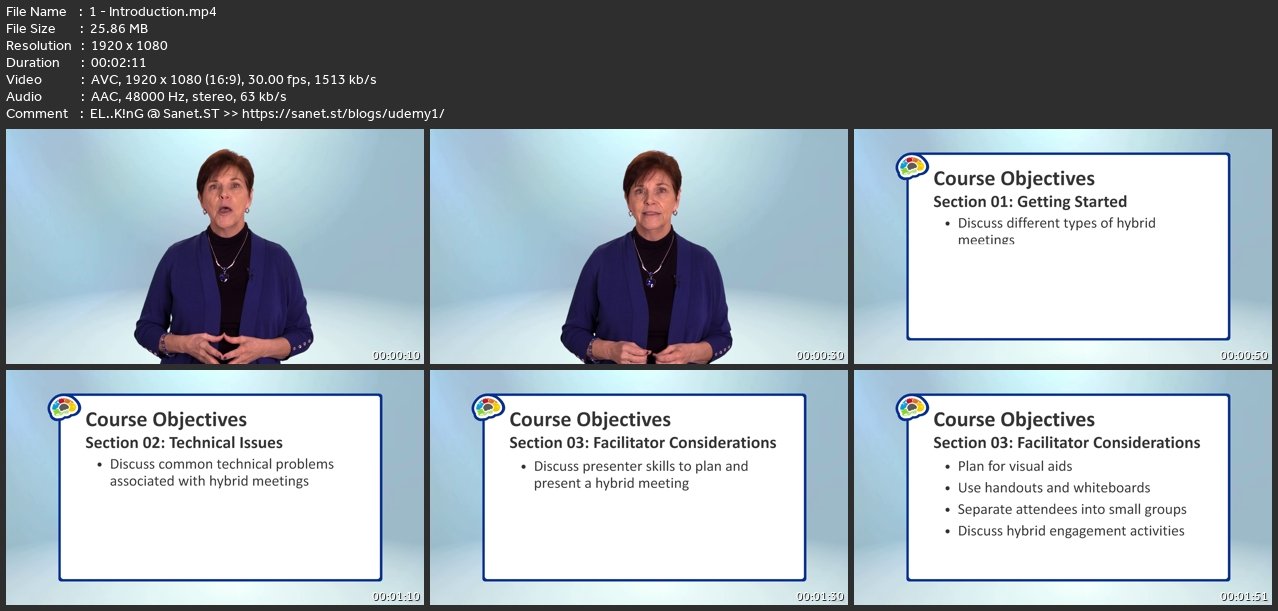
Homepage
without You and Your Support We Can’t Continue
Thanks for Buying Premium From My Links for Support
Click >>here & Visit My Blog Daily for More Udemy Tutorial. If You Need Update or Links Dead Don't Wait Just Pm Me or Leave Comment at This Post
Quick check before we show the links
Helps us keep automated scrapers from hammering the filehosts.