Beginners Guide to GarageBand - Let’s Write a Song
This post was published 5 years ago. Download links are most likely obsolete. If that's the case, try asking the uploader to re-upload.
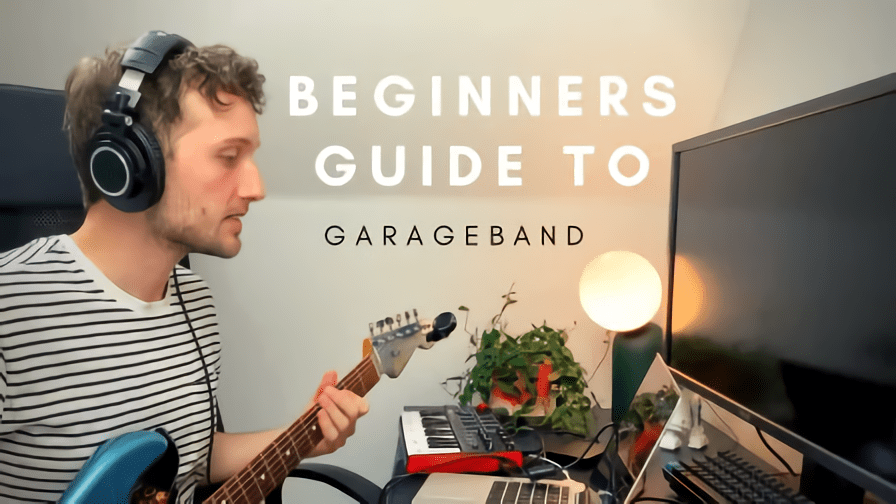
MP4 | Video: h264, 1280x720 | Audio: AAC, 44.1 KHz, 2 Ch
Genre: eLearning | Language: English | Duration: 20 Lessons (1h 48m) | Size: 1.64 GB
Beginners Guide to GarageBand - Let’s Write a Song
In this class, you'll learn everything you need to get started with Garageband for Mac.
I’ve broken all the lessons down into three main sections to keep things as simple as possible:
Anatomy - When you first open up Garageband it can seem very overwhelming with so many buttons and options. But fear not, we’re going to break everything down in this first section! I’m going to guide you around the program so when you come to record you’ll know exactly what to do.
Recording - Now that we know our way around the program it's time for the fun bit: writing and recording our song! We’re going to learn about virtual instruments, recording guitars/vocals, Garageband’s presets and loads of handy production tools.
Mixing and Mastering - We’ve got our song, now let’s make it sound great. In this section, we’ll be talking EQ, compression, plug-ins/effects and an introduction to mastering to complete our song.
By the end of this course, you’ll have an in-depth understanding of Garageband and how to produce music.
I highly recommend listening to this course with headphones/decent speakers. Some of the audio examples I present are going to be hard to hear through laptop or phone speakers.
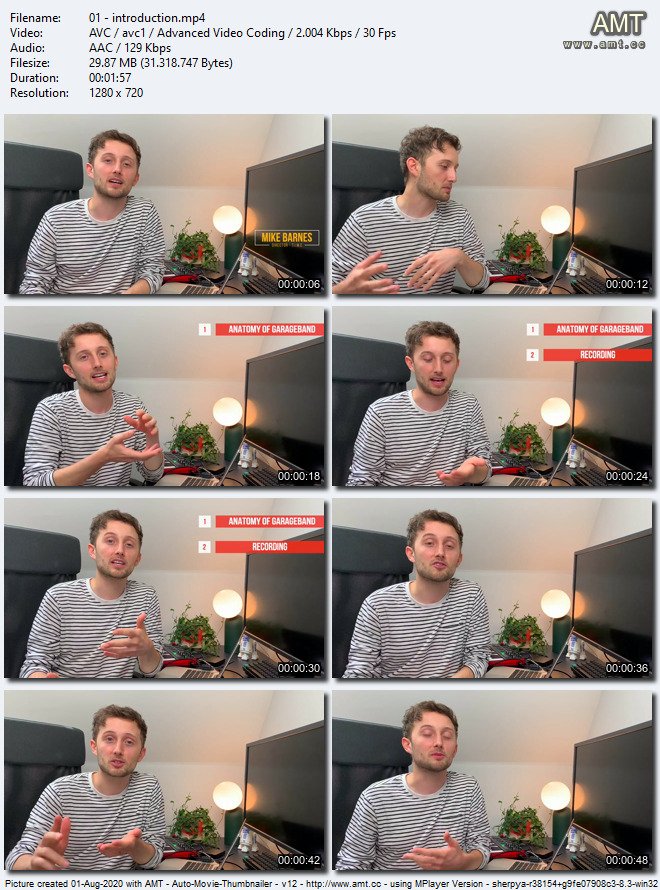
Screenshots
Welcome to My Blog - Check it Every Days
If you have any troubles with downloading, PM me
Please Buy Premium Account from my links to get high download speed and support me
Happy Learning!!
Quick check before we show the links
Helps us keep automated scrapers from hammering the filehosts.