How To Create Backing Tracks Using Ableton Live
This post was published 6 years ago. Download links are most likely obsolete. If that's the case, try asking the uploader to re-upload.

Genre: eLearning | MP4 | Video: h264, 1920x1080 | Audio: aac, 48000 Hz
Language: English | Size: 509 MB | Duration: 2h 0m
Guide to Building Amazing Backing Tracks For Your Live Concert
Requirements
Buy a copy of Ableton Live, an audio interface, and in ear monitors
Description
As a full time touring/studio drummer, I have spent 10+ years drumming for artists from all over the world. I’ve also spent years mixing live bands on tour, and have learned the ins and outs of what makes a great live show.
Almost all of the bands and musicians you look up to, play along with backing tracks. Whether it’s that extra synth part that you can’t play, or some extra percussion tracks to fill out the sound, most bands are playing along to tracks.
Many of the artists I’ve toured with, play along to backing tracks, and I’ve witnessed firsthand, how important they can be to crafting a great live show.
If you’re ready to take your music to the next level, this is course is for you. In this course I’m going to teach you, step by step, how to
operate Ableton Live, the program that will run your tracks
set up click tracks, and cues to direct the band
sync logos and videos along to your tracks
sync a lighting show to your tracks
loop song sections on the fly
set up your backing tracks system on stage
I’m always active on the Q/A, and will always answer any questions you have on this course.
Enjoy!
Homepage
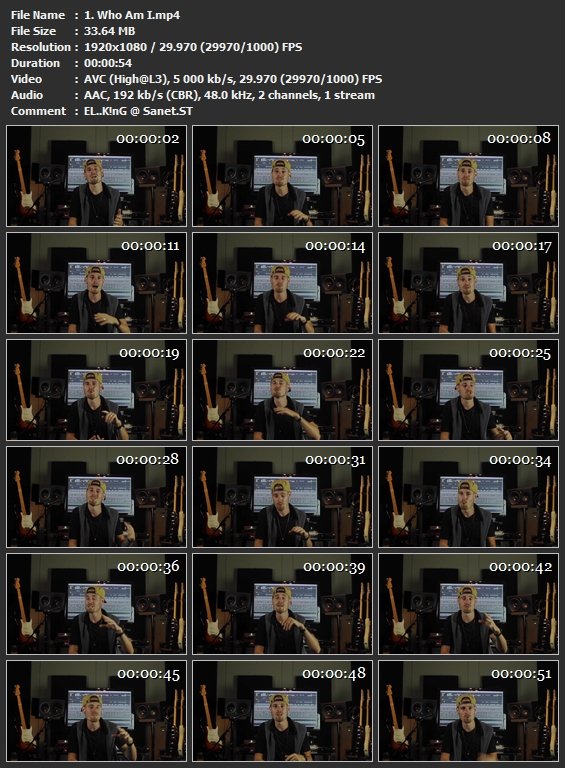
Screenshots
Without You And Your Support We Can’t Continue
Thanks For Buying Premium From My Links For Support
Quick check before we show the links
Helps us keep automated scrapers from hammering the filehosts.