Eye-catching presentations using PowerPoint 2013
This post was published 7 years ago. Download links are most likely obsolete. If that's the case, try asking the uploader to re-upload.
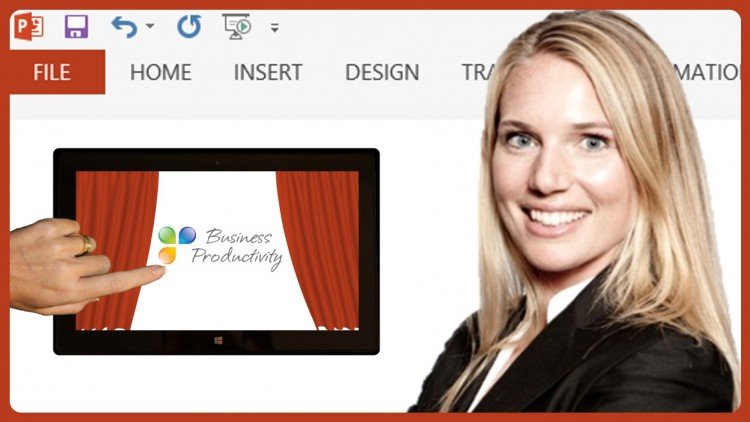
BESTSELLER | Video: AVC 1280x720 | Audio: AAC 48KHz 2ch | Duration: 2 Hours | Lec: 17 |827 MB| Language: English + Sub .VTT
Improve your presentation skills and learn to effectively use PowerPoint 2013 to create eye-catching slides.
What you'll learn
By the end of this course you will be able to deliver an eye-catching presentation using PowerPoint 2013
Learn how to prepare a successful presentation by gathering and refining information
Learn how to create eye-catching slides using graphics, images, animations and videos in PowerPoint 2013
Learn how to design your own unique PowerPoint theme for your business
Learn tricks to effectively use the updated Presenter View when you present and learn how to present on a touch screen device.
Learn basic guidelines for captivating your audience and keeping them engaged
Requirements
Viewers who have Microsoft PowerPoint 2013 will benefit the most.
Description
Do you want to deliver presentations that really make an impact on people? Do you know how to use PowerPoint but you’d like to learn from an expert how to really make eye-catching slides? If so, this is the course for you!
In this course you will learn how to create and deliver eye-catching presentations using Microsoft PowerPoint 2013. By combining essential presentation skills with the effective use of PowerPoint 2013, this course will give you all you need in order to present with confidence.
Instead of learning how to use a PowerPoint 2013 feature by feature, you will see how it can effectively be used in a real life business scenario.
Who this course is for?
This course is intended for business professionals who have a basic knowledge of how to use Microsoft PowerPoint but who want to take their presentation skills to the next level by learning how to get the most out of Microsoft PowerPoint 2013 to make eye-catching presentations.
Homepage
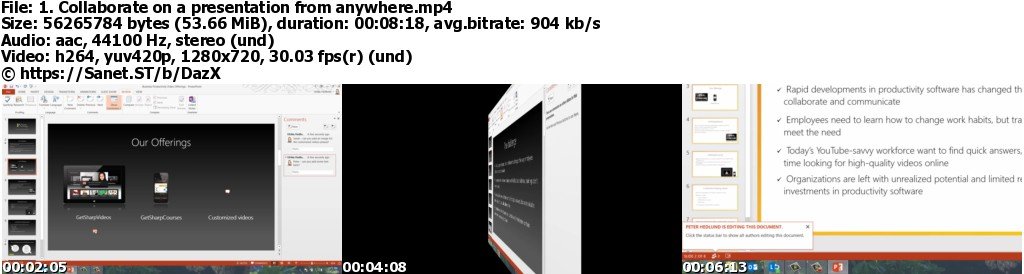
Screenshots

**If you want to buy or renew premium account , Please buy from below links and support me**
=> visit my blog for more courses: DazX Blog
Quick check before we show the links
Helps us keep automated scrapers from hammering the filehosts.