Organizing and Archiving Digital Photos
This post was published 7 years ago. Download links are most likely obsolete. If that's the case, try asking the uploader to re-upload.
2h 27m | Video: .MP4, 960x540, 30 fps(r) | Audio: AAC, 48000Hz, 2ch | 252 MB
Genre: eLearning | Language: English
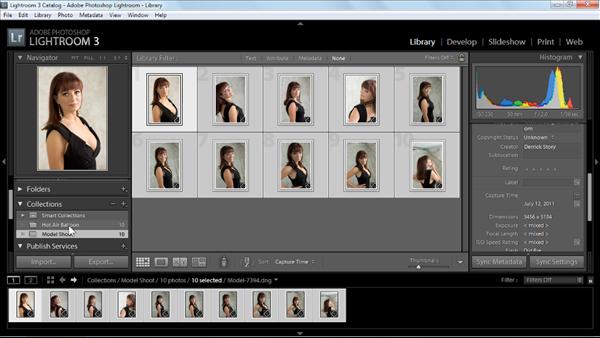
In this course, photographer Derrick Story teaches the concepts and techniques behind efficient photo management and backup, which becomes increasingly important as a photo collection grows. The course begins by showing how to transfer and organize photos "by hand"—that is, by copying them from a memory card to a hard drive without using software. In the second portion of the course, discover how to take advantage of the photo-management features provided by programs such as Lightroom and Aperture, by assigning descriptive keywords, by giving photos ratings and color-coded labels, and how smart album features can automatically collect photos that meet certain criteria.
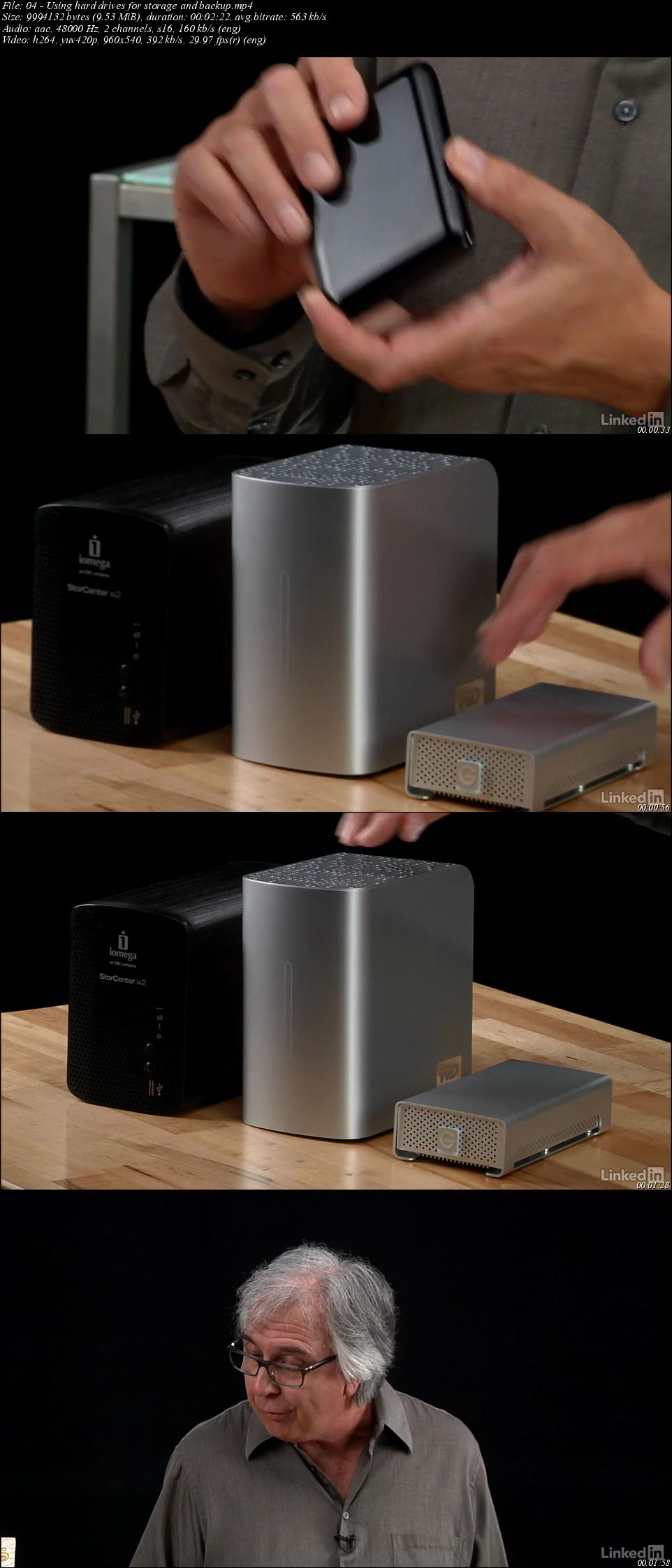
The course concludes with a look at aspects of a good backup and archival strategy, ranging from the best file format for long-term backup to the best hardware options for offline storage.
Topics include:
Removing pictures from a card
Transferring photos to a Windows or Mac computer
Transferring images with Lightoom, Aperture or iPhoto
Assigning ratings to photos and flagging favorites
Filtering photos
Choosing file formats
Backing up to the cloud
Working with multiple hard drives
Recovering from backups
Screenshots
Quick check before we show the links
Helps us keep automated scrapers from hammering the filehosts.