Adobe InDesign - The Complete Guide to Tables (Complete Guide to Master InDesign, Module 3)
This post was published 7 years ago. Download links are most likely obsolete. If that's the case, try asking the uploader to re-upload.
2h 22m | Video: .MP4, 1280x720, 10 fps(r) | Audio: AAC, 44100Hz, 2ch | 1,04 GB
Genre: eLearning | Language: English
Learn to design and implement tables in Adobe InDesign Creative Cloud! In this third part of the Complete Guide to Mastering InDesign, you will learn how tables can be used and customized in InDesign.
By the time you have completed this course, you will have learned the following as you work on an annual report project:
Adding Tables in InDesign
Positioning Tables in InDesign
Adding a Border to Tables and Frames in InDesign
Adding Rounded Rectangle Corners to Tables in InDesign
Adjusting Rows and Columns in InDesign
How to Merge and Split Table Cells in InDesign
Inserting, Deleting, and Moving Table Rows and Columns in InDesign
Adding and Editing Header and Footer Rows in InDesign
Adding Alternating Strokes or Fills in Rows and Columns in InDesign
Formatting Table Cells in InDesign
Cell Text Rotation in InDesign
Using Diagonal Lines in Cells in InDesign Tables
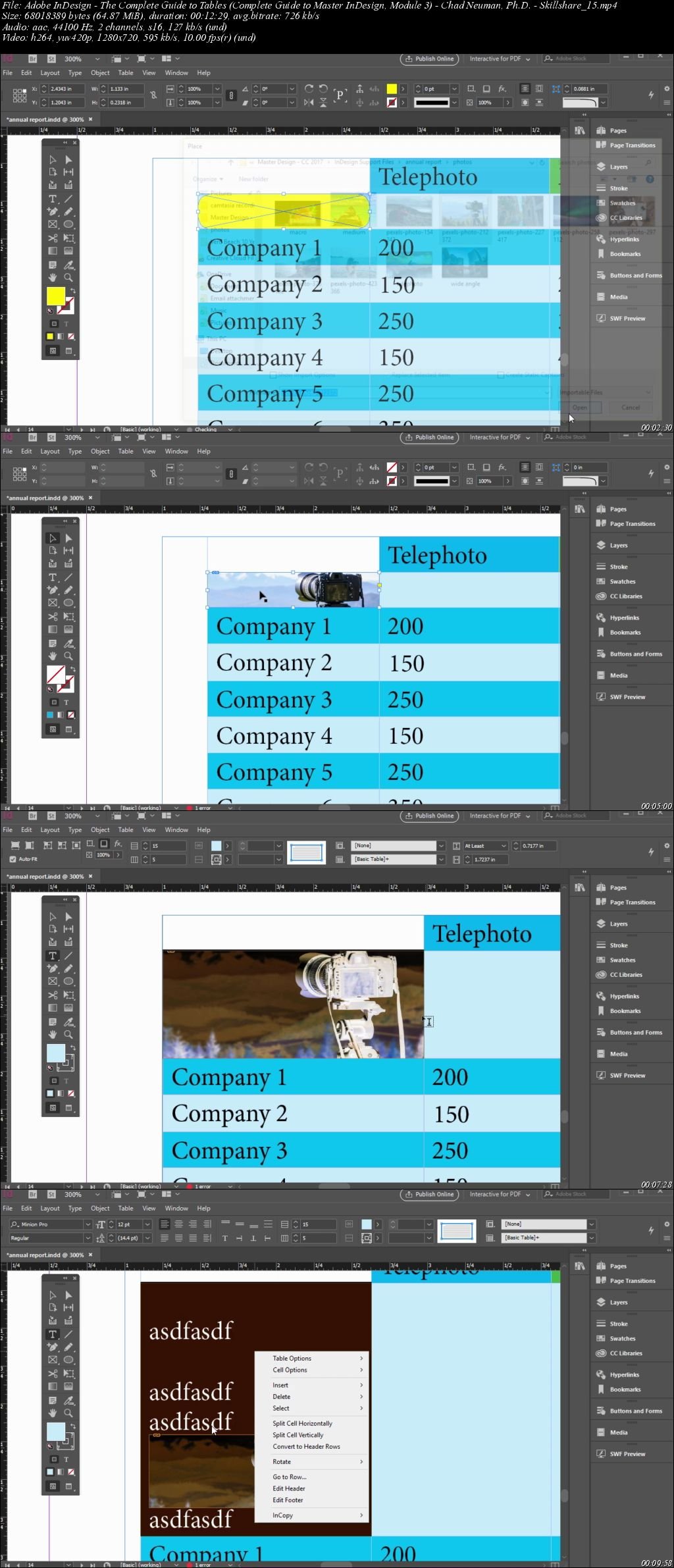
Placing and Adjusting Graphics in Cells in InDesign
Designing Custom Shapes for Graphic Frames in InDesign
Using Gradients in Cells in InDesign
Adding Table and Cell Styles in InDesign
Saving, Reusing, and Sharing Table and Cell Styles in InDesign
Homepage
Screenshots
Quick check before we show the links
Helps us keep automated scrapers from hammering the filehosts.