Developing with Visual Studio Code
This post was published 7 years ago. Download links are most likely obsolete. If that's the case, try asking the uploader to re-upload.

MP4 | Video: h264, 1280x720 | Audio: AAC, 48 KHz, 2 Ch
Genre: eLearning | Language: English + .SRT
Level: Beginner | Duration: 57m 23s | 126 MB
Visual Studio Code is rapidly becoming one of the most popular programming editors around. Knowing how to use it well, right away, can save you a great deal of time and effort during development. This course is a comprehensive introduction to Visual Studio Code, including the basics you need to know to write, run, and debug code in a variety of languages. Learn how to use the features and menus, find errors in your code, make selections, use snippets, set user preferences and keybindings, and use the built-in support for version control. Instructor Jesse Liberty helps you get the most out of the editor, so you can get your next project up and running fast.
Topics include
Exploring the features and menus
Using snippets
Debugging
Options and preferences
Version control
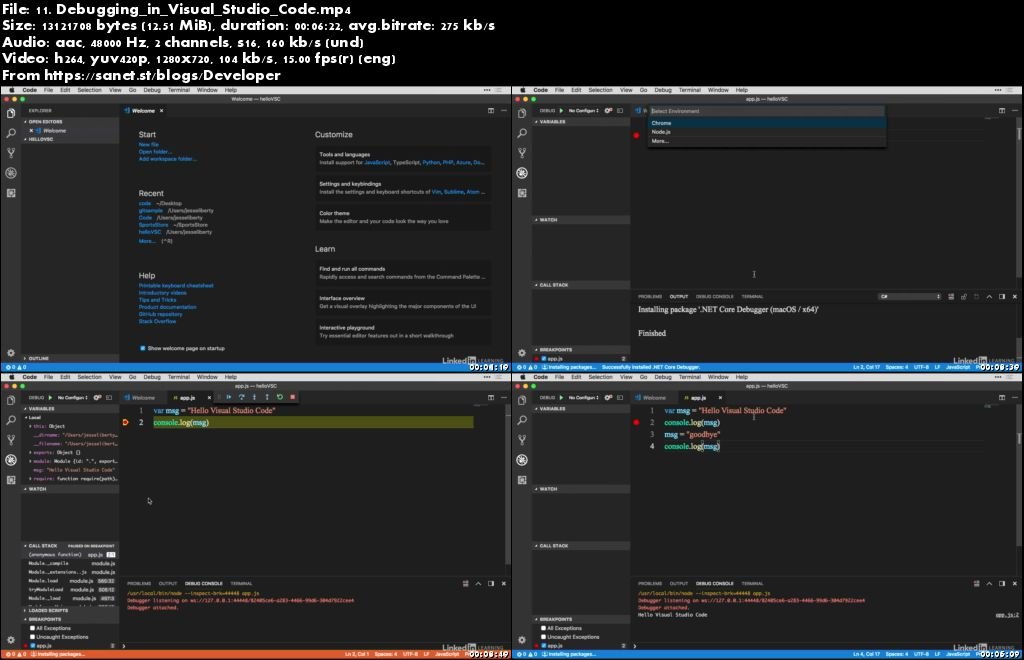
Screenshots
Quick check before we show the links
Helps us keep automated scrapers from hammering the filehosts.