Professional Beauty Retouching in Photoshop 2.0
This post was published 7 years ago. Download links are most likely obsolete. If that's the case, try asking the uploader to re-upload.
6h | Video: .MP4, 1234x720, 30 fps(r) | Audio: AAC, 48000 Hz, 2ch | 6,83 GB
Genre: eLearning | Language: English
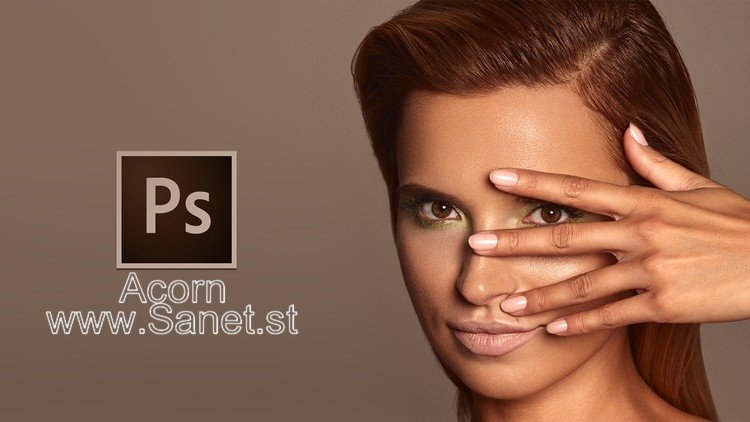
Learn Professional High End Beauty Retouching Techniques in Adobe Photoshop CC - Get The Magazine Cover Look!
Retouching beauty images had always been a huge challenge for photographers and retouchers. I made this course to introduce you non-destructive ways of retouching that will allow you to retouch fast and create beautiful portraits that you may see on magazine covers.
What is Professional Beauty Retouch?
Professional retouching or so called High End retouching is most advanced for of retouching requring a lot of practice and patience. For many people retouching beauty images might take hours - in this course I teach you how to not waste so much time and retouch fast and effective. In such a retouch it's very important to work non-destructively, which means to not destroy the skin texture, face features or color harmonies. In prefessional retouch we don't blur or soften skin, we use advanced techniques to make image clean and dynamic, at the same time preserving the skin texture.
To make great beauty retouch, you need to use the right techniques, which allows you to save the time and get perfect results.
Homepage
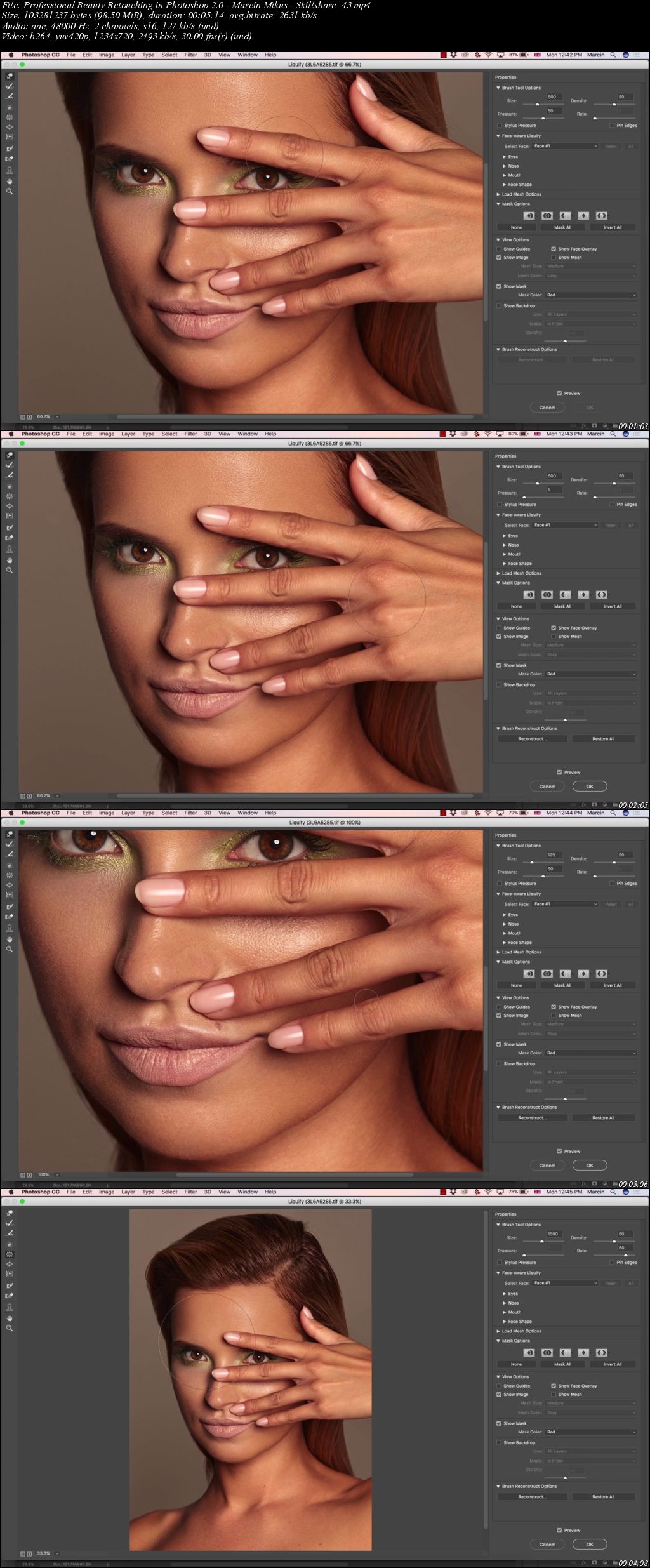
Screenshots
Quick check before we show the links
Helps us keep automated scrapers from hammering the filehosts.