Windows 10 October 2018 Update Essential Training
This post was published 7 years ago. Download links are most likely obsolete. If that's the case, try asking the uploader to re-upload.
MP4 | Video: h264, 1280x720 | Audio: AAC, 48 KHz, 2 Ch
Genre: eLearning | Language: English + .SRT | + Exercise Files
Level: Beginner | Duration: 4h 37m | 762 MB
Learn the essentials of the Windows operating system, including the features in the Windows 10 October 2018 Update. Instructor Nick Brazzi begins with operating system basics, such as managing files and folders. Next, Nick shows how to work with email, calendar, and contacts, browse the web, and use the core bundled apps that come with Windows. He also shows how to customize Windows by installing new apps from the Microsoft Store and adjusting your account settings. Plus, learn how to back up and restore Windows, recover missing files, and use built-in tools to protect yourself against viruses and malware.
Topics include
Interacting with windows and menus
Multitasking to switch between multiple applications
Using Cortana, the digital assistant
Working with email, contacts, and calendars
Switching to tablet mode
Managing files and folders with the File Explorer
Using and installing apps
Managing display and account settings
Sharing data between devices
Backing up Windows 10
Protecting your computer from viruses
Troubleshooting Windows 10
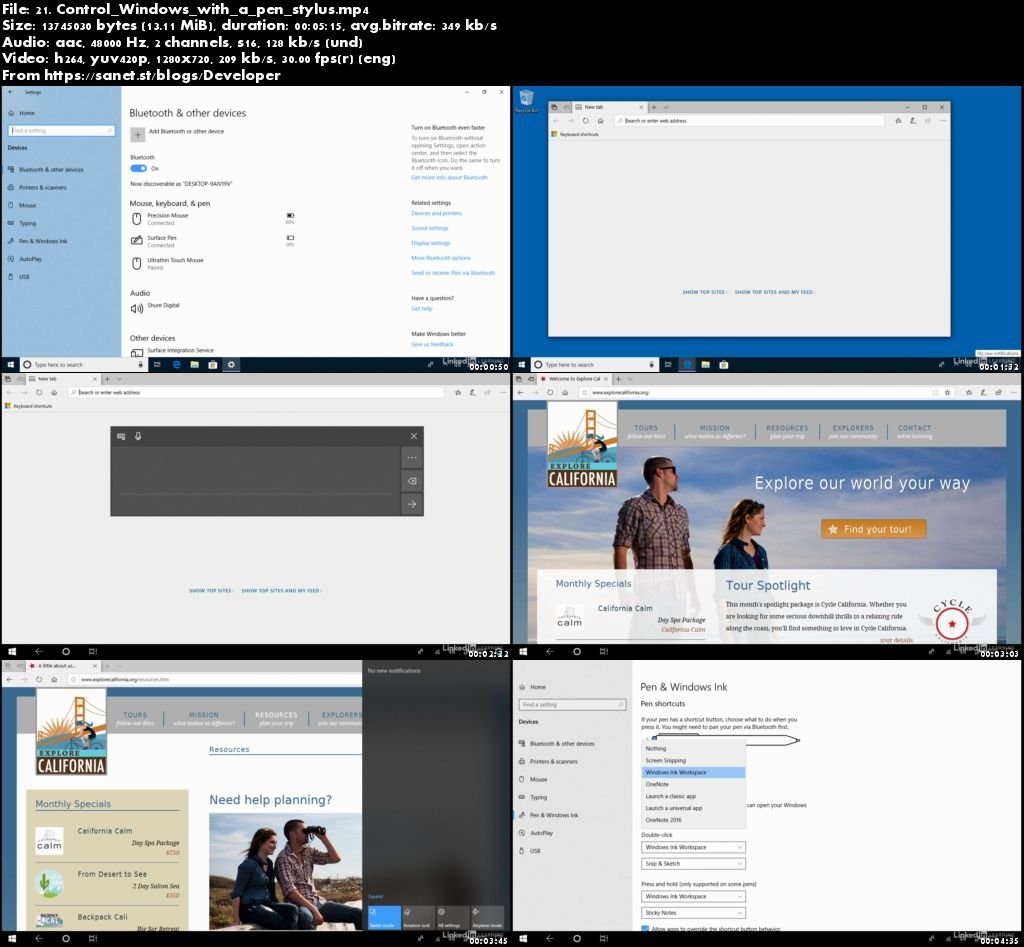
Screenshots
Quick check before we show the links
Helps us keep automated scrapers from hammering the filehosts.