Adobe XD for Designers
This post was published 7 years ago. Download links are most likely obsolete. If that's the case, try asking the uploader to re-upload.
MP4 | Video: h264, 1280x720 | Audio: AAC, 48 KHz, 2 Ch
Genre: eLearning | Language: English + .SRT | + Exercise Files
Level: Intermediate | Duration: 1h 37m | 1.58 GB
As a graphic designer, you have a knack for creative problem-solving, a keen understanding of color and layout, and the ability to collaborate with clients—skills that could easily translate to user experience (UX) and user interface (UI) design. If you want to enrich your professional skill set with UX and UI design experience, then this course can help by acquainting you with the techniques and technology you'd need to be successful. Join instructor Paul Trani as he covers essential UI and UX design concepts and steps through how to create and share a prototype using Adobe XD CC. Throughout the course, Paul highlights UX design workflows and best practices within this innovative design and prototyping tool.
Topics include
What is UX and UI design?
Transitioning from graphic design to UX and UI
What is Adobe XD?
Creating graphics and text
Adding images and effects
Using Photoshop with Adobe XD
Creating multiple screens
Prototyping interactions and transitions
Designing for different screen sizes
Sharing design specs with developers
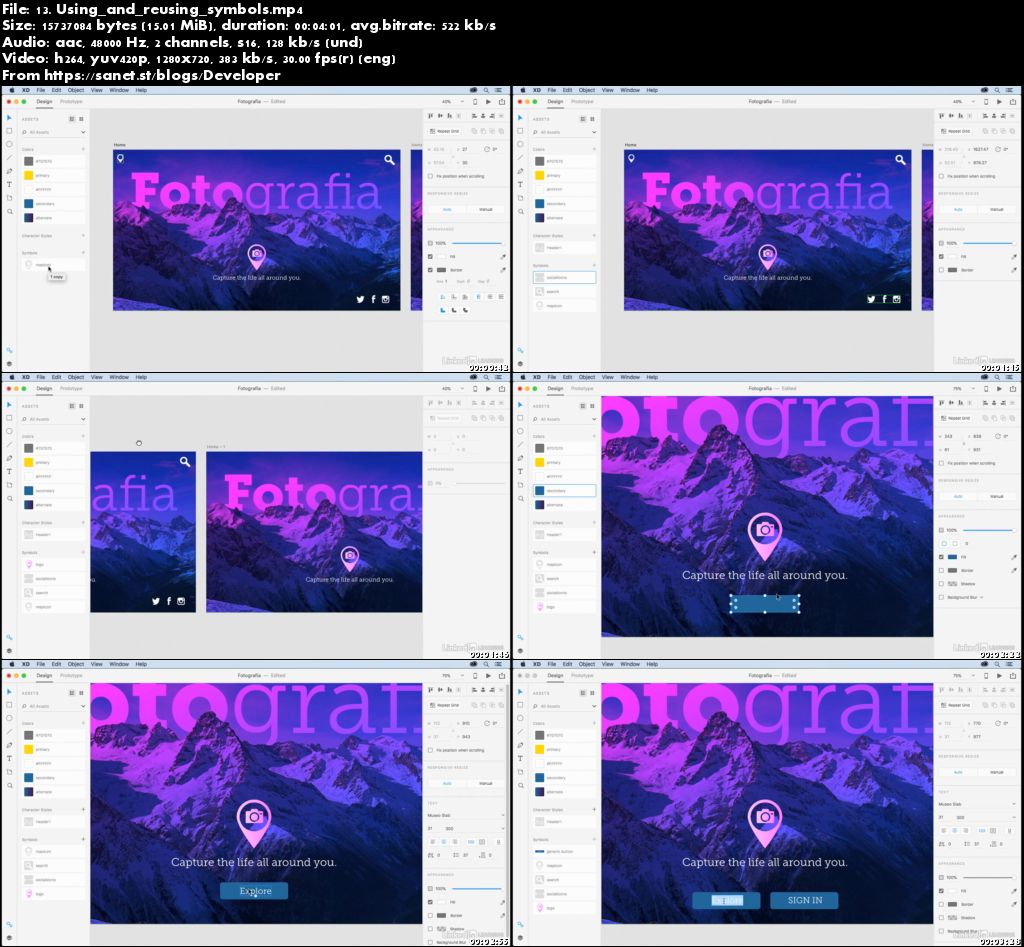
Screenshots
Quick check before we show the links
Helps us keep automated scrapers from hammering the filehosts.