PowerPoint 2016: Audio and Video In Depth
This post was published 7 years ago. Download links are most likely obsolete. If that's the case, try asking the uploader to re-upload.
MP4 | Video: AVC 1280x720 | Audio: AAC 48KHz 2ch | Duration: 2 hours and 12 minutes | 716 MB
Genre: eLearning | Language: English
Make your PowerPoint presentations more engaging by incorporating audio and video effectively. In this course, Garrick Chow shows how to work with video and audio clips from a variety of sources, including YouTube and your own computer. He then moves on to the finer points of audio and video editing—directly in PowerPoint. Learn how to record new clips, change a clip's start and end points, add a variety of effects and styles, and set playback options such as volume and looping. Plus, discover how to optimize the compatibility and file size of multimedia presentations so that they can be played on a wide range of computers and devices.
Topics include:
Linking vs. embedding media
Understanding file formats
Adding videos from different sources, including YouTube
Editing video
Playing a video inside a shape or as a slide background
Applying video effects
Adding audio clips
Setting playback options
Saving multimedia presentations
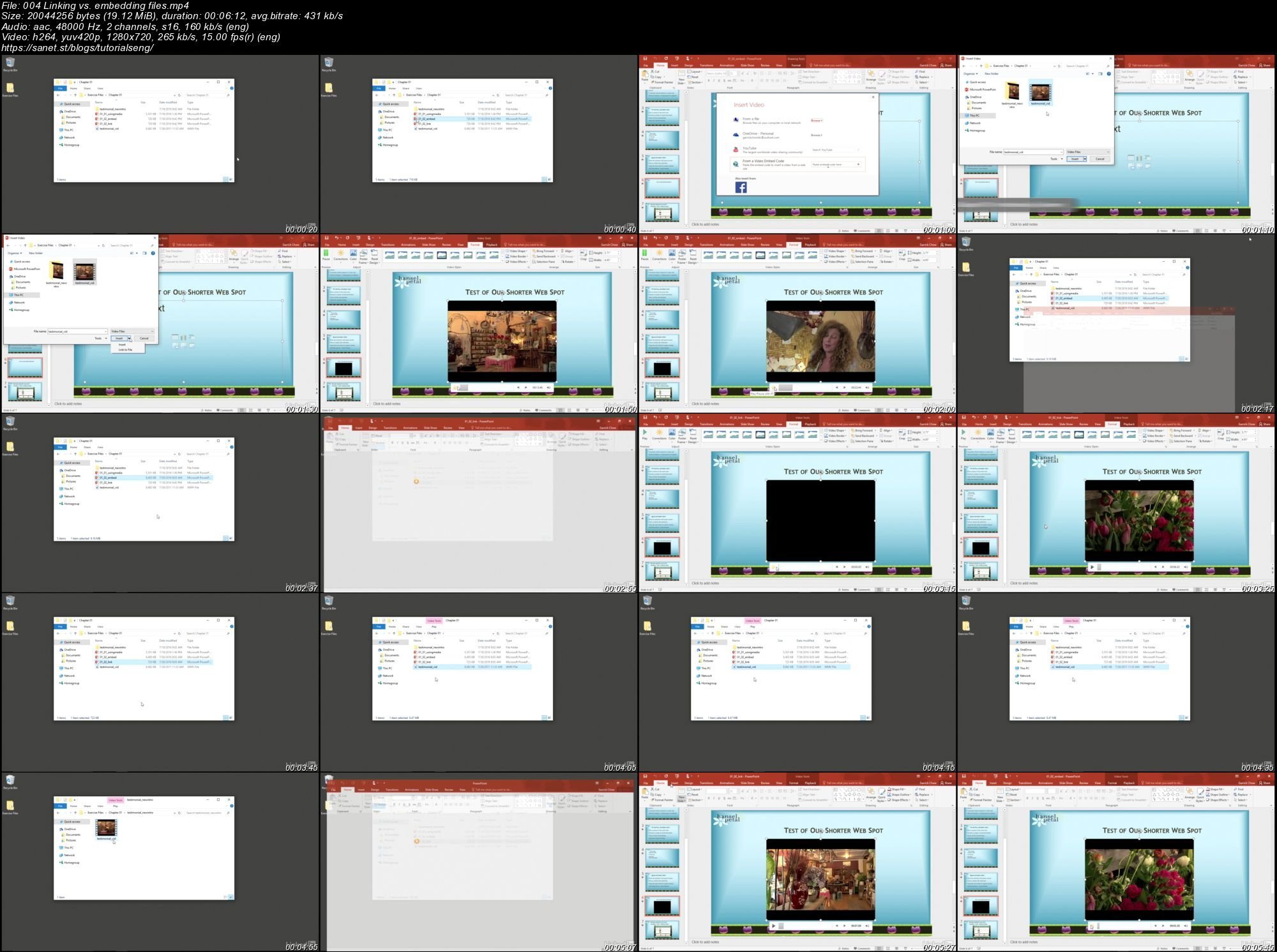
Screenshots
Quick check before we show the links
Helps us keep automated scrapers from hammering the filehosts.