Digital Painting in Photoshop: Perestroika
This post was published 7 years ago. Download links are most likely obsolete. If that's the case, try asking the uploader to re-upload.
MP4 | Video: AVC 1280x720 | Audio: AAC 44KHz 1ch | Duration: 1 hour and 46 minutes | 587 MB
Genre: eLearning | Language: English
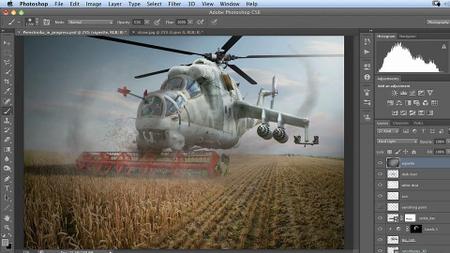
In this workshop master Adobe Photoshop artist Uli Staiger takes you step by step through the process of creating the fanciful image of an old Soviet helicopter being used as a harvester. Learn how to combine supplied source images, make adjustments, and add details to create a complex, realistic scene with lots of layers. Along the way discover lots of tricks and techniques for painting with light and shadow, creating motion blur, brush-based masking, adding vignettes, and more.
Topics include:
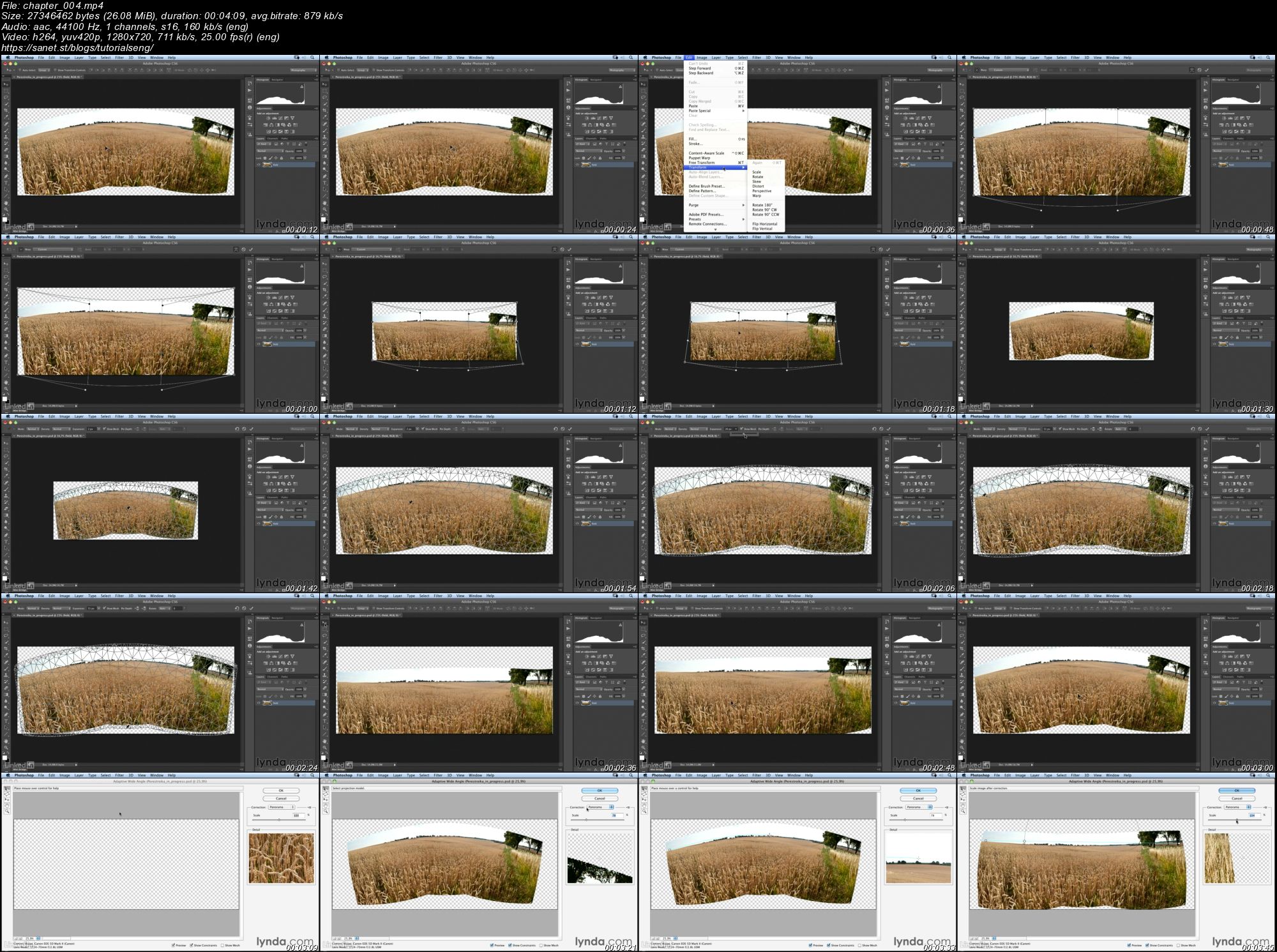
Creating the basic panoramic file
Placing the sky
Masking the horizon by using a path
Adding the helicopter
Positioning and masking the sickle bar
Providing contextual detail
Screenshots
Quick check before we show the links
Helps us keep automated scrapers from hammering the filehosts.