Lynda.com - Excel 2016: Advanced Formatting Techniques
This post was published 7 years ago. Download links are most likely obsolete. If that's the case, try asking the uploader to re-upload.
MP4 | Video: AVC 1280x720 | Audio: AAC 48KHz 2ch | Duration: 3 hours and 29 minutes | 285 MB
Genre: eLearning | Language: English
Get simple, powerful tips for making spreadsheet information readable and understandable in Microsoft Excel 2016. Dennis Taylor shows how to emphasize specific cells with fonts, borders, and color; adjust the positioning of cell contents; format numeric data; and add style and readability to worksheets. You'll also learn how to add pictures to worksheets and discover automation techniques (including conditional formatting) that take the drudgery out of formatting even the largest amounts of data.
Topics include:
Controlling fonts, borders, and cell color
Adjusting horizontal and vertical cell alignment
Creating angled text
Adjusting numeric formatting
Building custom date and numeric formats
Creating value-based formatting
Working with tables
Using styles and themes
Adjusting row heights and column widths
Hiding and unhiding sheets
Copying formats
Formatting text with Justify
Displaying data as outlines
Formatting images and sparklines
Creating picture links
Formatting column and row titles
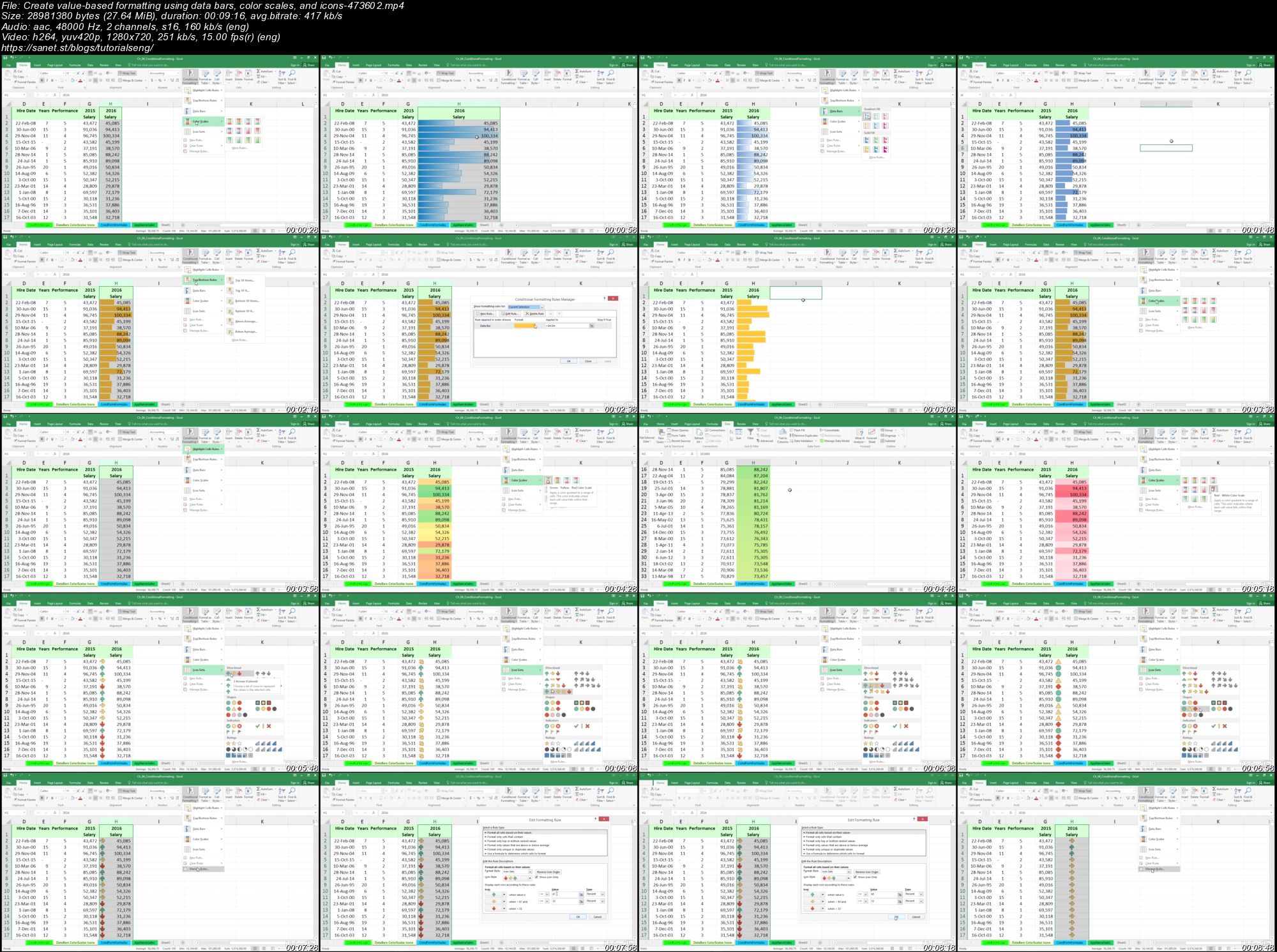
Screenshots
Quick check before we show the links
Helps us keep automated scrapers from hammering the filehosts.