CompTIA A+ Exam Prep (220-901) Part 6: Laptops and Mobile Devices
This post was published 7 years ago. Download links are most likely obsolete. If that's the case, try asking the uploader to re-upload.
MP4 | Video: AVC 1280x720 | Audio: AAC 48KHz 2ch | Duration: 1 hours and 16 minutes | 630 MB
Genre: eLearning | Language: English
Earning a CompTIA A+ certification validates you've obtained the foundational knowledge and skills needed for a career in IT. This six-course series is designed to both equip you as a technician for your role in IT support, and prepare you for taking the 220-901 exam.
The CompTIA A+ 220-901 exam is comprised of six key parts. The sixth, laptops and mobile devices, is covered by this course. Instructor Mike Meyers gives a tour of laptop devices and shows how to expand, configure, manage, and disassemble laptop components. He also reviews mobile device options and how to work with mobile connections.
Note: The six courses designed for the CompTIA A+ (220-901) exam preparation include core processing, core hardware, peripherals and building a PC, displays and printers, networking, and laptops and mobile devices.
We are now a CompTIA Content Publishing Partner. As such, we are able to offer CompTIA exam vouchers at a 10% discount. For more information on how to obtain this discount, please download these PDF instructions.
Topics include:
Selecting a laptop type
Expanding a laptop
Working with laptop ports
Disassembling a laptop
Troubleshooting laptop issues
Managing mobile devices and connections
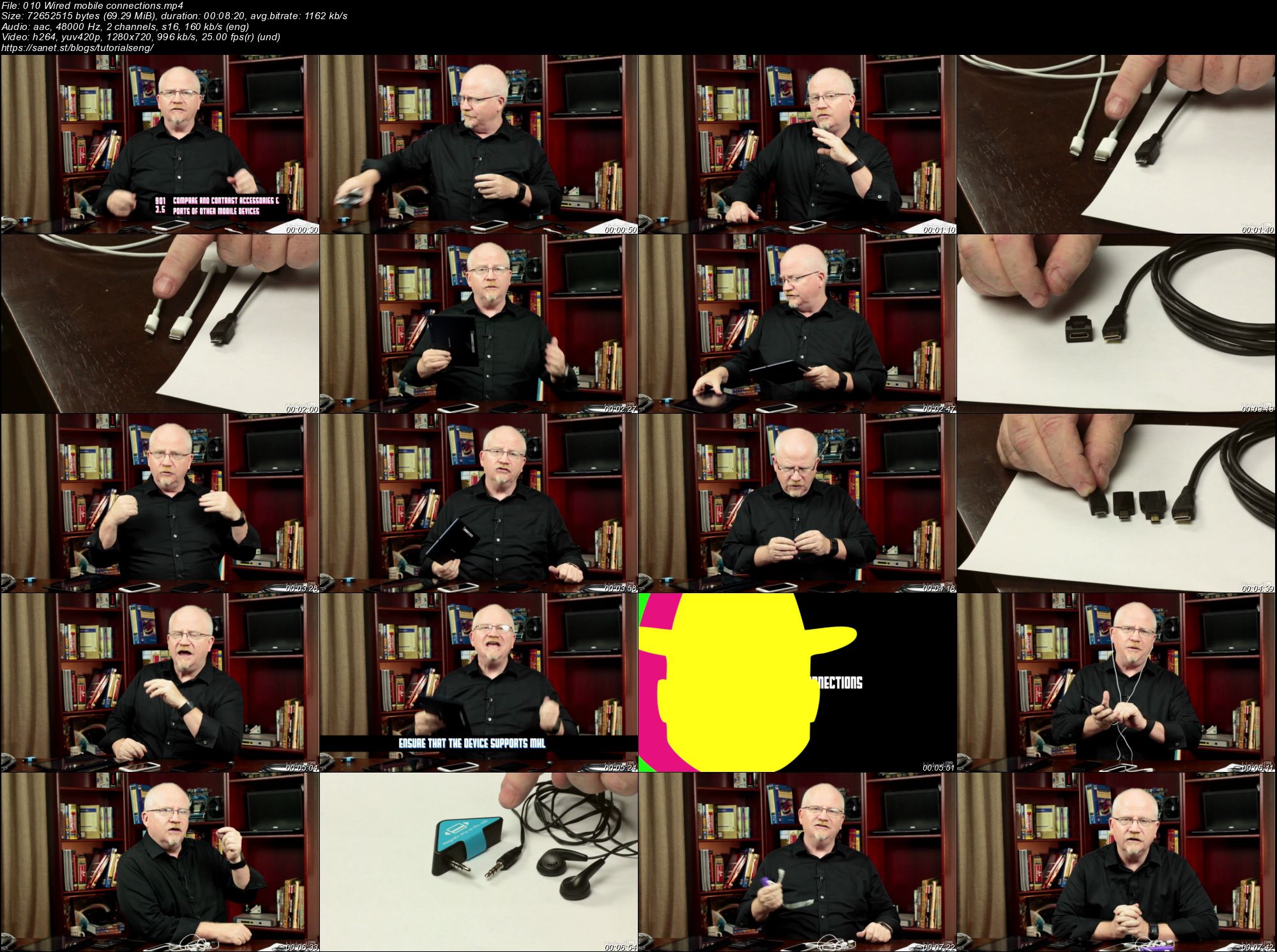
Screenshots
Quick check before we show the links
Helps us keep automated scrapers from hammering the filehosts.