Windows 10 19H1 AIO 32in1 v1903 Build 10.0.18362.175 (x86/x64) June 2019
This post was published 6 years ago. Download links are most likely obsolete. If that's the case, try asking the uploader to re-upload.
OS : 32/64 bit | language: Russian | English | File Size : 4.05 GB
Windows 10 is a series of personal computer operating systems produced by Microsoft as part of its Windows NT family of operating systems. It is the successor to Windows 8.1, and was released to manufacturing on July 15, 2015, and to retail on July 29, 2015. Windows 10 receives new releases on an ongoing basis, which are available at no additional cost to users. Devices in enterprise environments can receive these updates at a slower pace, or use long-term support milestones that only receive critical updates, such as security patches, over their ten-year lifespan of extended support.
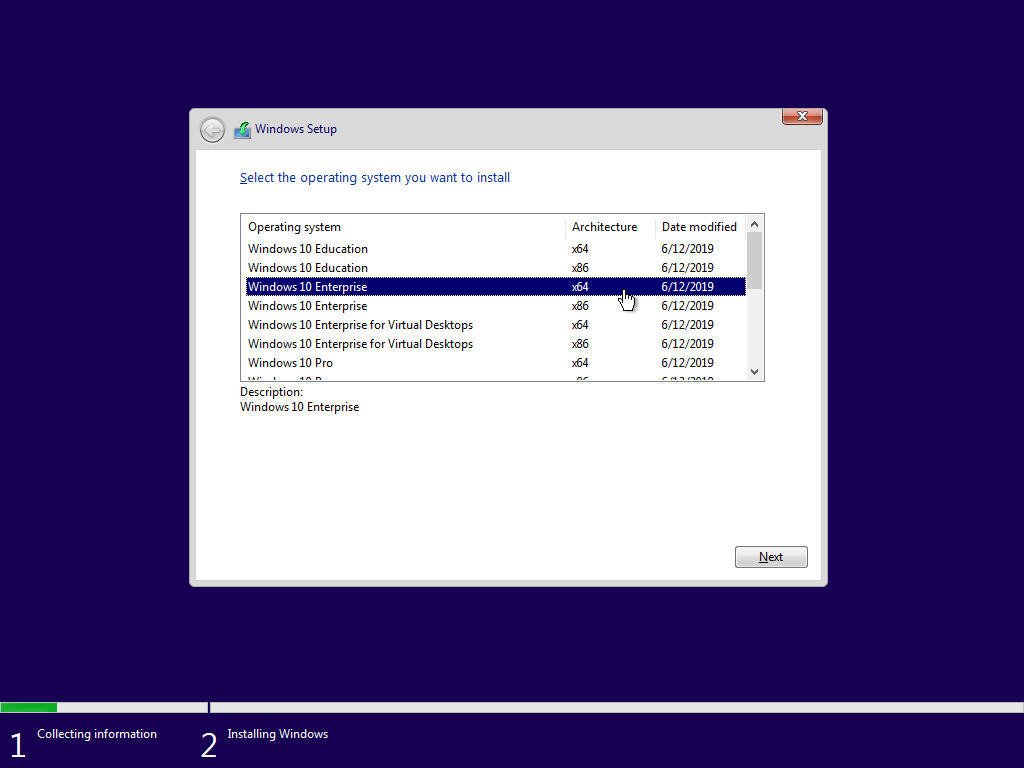
The build includes 16 Russian and 16 English editions of Windows 10 for 32-bit (x86) and 64-bit (x64)
- Windows 10 Education x64 Russian
- Windows 10 Education x64 English
- Windows 10 Education x86 Russian
- Windows 10 Education the x86 English
- the Windows 10 Enterprise x64 Russian
- the Windows 10 Enterprise x64 English
- the Windows 10 Enterprise the x86 Russian
- the Windows 10 Enterprise the x86 English
- the Windows 10 Enterprise for Virtual Desktops is x64 Russian
- the Windows 10 Enterprise for Virtual Desktops is x64 English
- the Windows 10 Enterprise for Virtual Desktops x86 English
- Windows 10 Enterprise for Virtual Desktops x86 English
- Windows 10 Pro x64 Russian
- Windows 10 Pro x64 English
- Windows 10 Pro x86 Russian
- Windows 10 Pro x86 English
- Windows 10 Pro Education x64 Russian
- Windows 10 Pro Education x64 English
- Windows 10 Pro Education x86 Russian
- Windows 10 Pro Education x86 English
- Windows 10 Pro for Workstations x64 English
- Windows 10 Pro for Workstations x64 English
- Windows 10 Pro for Workstations x86
English
- Windows 10 Home x64 Russian
- Windows 10 Home x64 English
- Windows 10 Home x86 Russian
- Windows 10 Home x86 English
- Windows 10 Home Single Language x64 Russian
- Windows 10 Home Single Language x64 English
- Windows 10 Home Single Language x86 Russian
- Windows 10 Home Single Language x86 English
Some features of the assembly
- The build is based on Windows 10 distributions, published on MSDN on June 18, 2019.
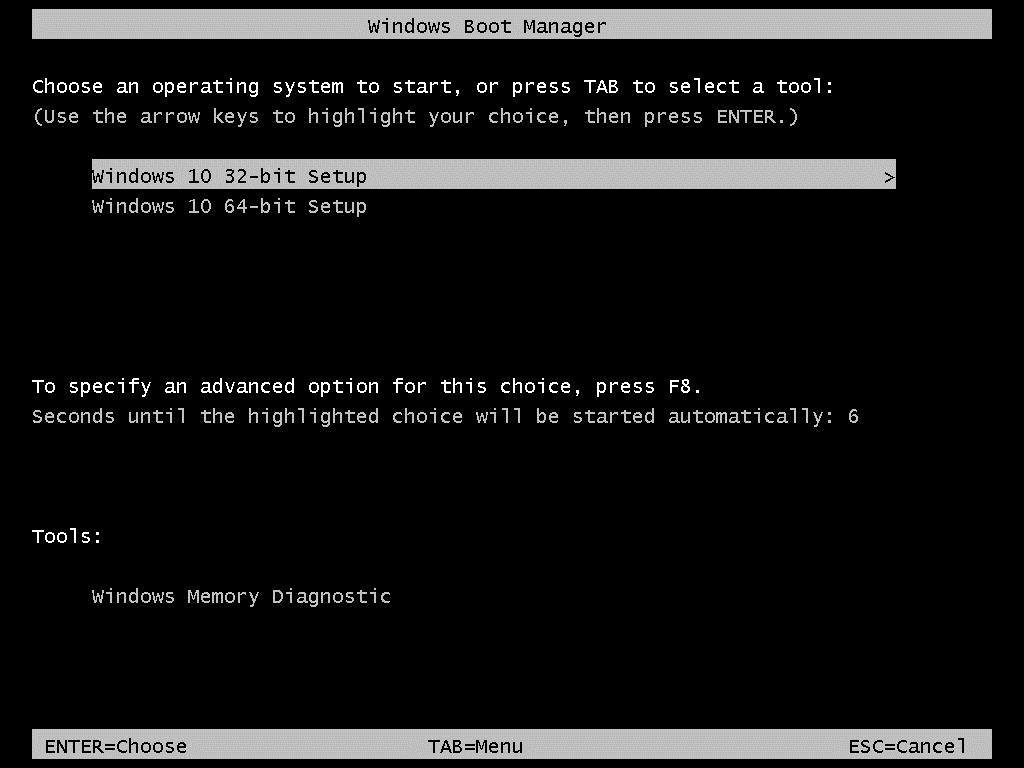
- At the very early stage of the installation, there is a pre-boot menu in which you can select the width of the primary shell, that is, which installer will be used, 32-bit or 64-bit. Because of this, you do not have to worry that the 64-bit version of the OS may not get on the RAID, and that its users may end up without system recovery.
- The \ sources \ sxs folder in which files for manual local installation of the .NET Framework 3.5 and Internet Explorer 11 packages were packed was removed from the installation media. But this does not mean that it will not be possible to install these packages locally. The compact and easy-to-use .NET Framework 3.5 installer for Windows 10 is located in the \ support \ NetFx35 folder, and the Internet Explorer 11 installer is located in the \ support \ MsIE11 folder.
- The assembly includes an activator W10 Digital Activation Program + KMS38 version 1.3.7 from Ratiborus. The executable file of the activator will be available on the desktop.
- The Microsoft Diagnostics and Recovery Toolset (MSDaRT) 10 module has been integrated into the system recovery service, both launched from the installation media and the system built into the system itself, which significantly expands the possibilities for system resuscitation.
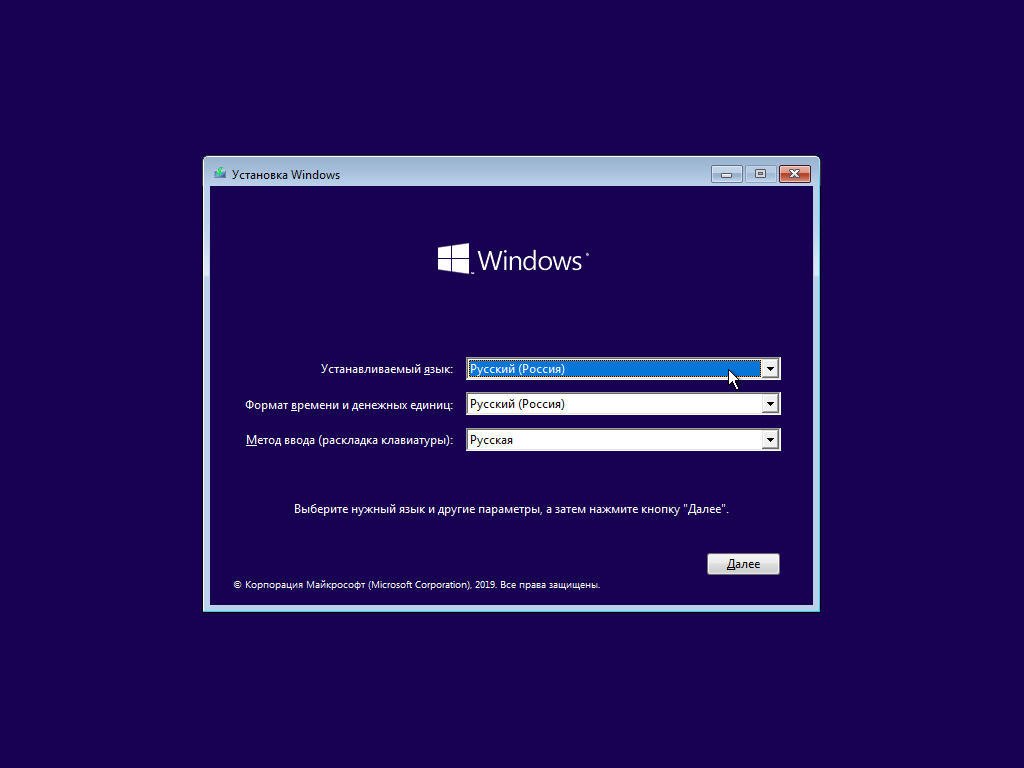
- Fixed the Windows Installer 10 feature, due to which in the multilingual build, when running the installation from under an existing system, there was no choice of language for the installer interface. In this assembly, a similar choice is provided.
- After the installation is completed, you will be able to switch the interface language from Russian to English and back using standard Windows 10 tools (except for the Home Single Language edition).
- A script has been added to the Home Single Language edition that allows you to switch the interface language from Russian to English and back without losing the license.
- On the system installed in the Legacy BIOS mode, the functionality of the boot menu was restored by pressing the F8 key. The boot menu for F8 is displayed in text mode.
- In the boot menu on F8, the item "Last Known Good Configuration" has been restored.
- Due to the fact that the assembly is a combined x86-x64 distribution, and even having more than one language on board, a number of standard system installation options for this assembly is not available. The following installation options are available: from the installation media from the boot device in Legacy BIOS mode for both 32-bit and 64-bit OS; from installation media as from a boot device in EFI / UEFI mode only for a 64-bit OS; from under the already existing system in the format of the Custom installation in BIOS Legacy mode for both 32-bit and 64-bit OS. For the latter, in order to initiate an installation from under a 64-bit OS, you need to start it not through setup.exe in the root of the distribution media, but through setup.exe, which is located in the sources folder of the distribution.
- Made minor improvements to the installer interface, fixing the flaws of Microsoft programmers.
System Requirements
Processor: 1 gigahertz (GHz) or faster.
RAM: 1 gigabyte (GB).
Free space on hard disk: 16 gigabytes (GB).
Graphics card: DirectX 9 graphics device or a newer version.
Additional requirements to use certain features.
To use touch you need a tablet or monitor that supports multitouch.
To access the Windows store to download and run apps, you need an active Internet connection and a screen resolution of at least 1024 x 768 pixels.
Whats New
KB4498523:Service Stuck Updated
KB4495620:Cumulative Update for .NET Framework 3.5 and 4.8 RTM
KB4503308:Security update for Adobe Flash Player
June 11, 2019—KB4503293 (OS Build 18362.175):
Improvements and fixes:
This update includes quality improvements. Key changes include:
-Addresses a security vulnerability by intentionally preventing connections between Windows and Bluetooth devices that are not secure and use well-known keys to encrypt connections, including security fobs. If BTHUSB Event 22 in the Event Viewer states, “Your Bluetooth device attempted to establish a debug connection….”, then your system is affected. Contact your Bluetooth device manufacturer to determine if a device update exists. For more information, see CVE-2019-2102 and KB4507623.
-Security updates to Windows Virtualization, Microsoft Scripting Engine, Internet Explorer, Windows App Platform and Frameworks, Windows Input and Composition, Windows Media, Windows Shell, Windows Server, Windows Authentication, Windows Cryptography, Windows Storage and Filesystems, Windows SQL Components, the Microsoft JET Database Engine, and Internet Information Services.
Screenshots
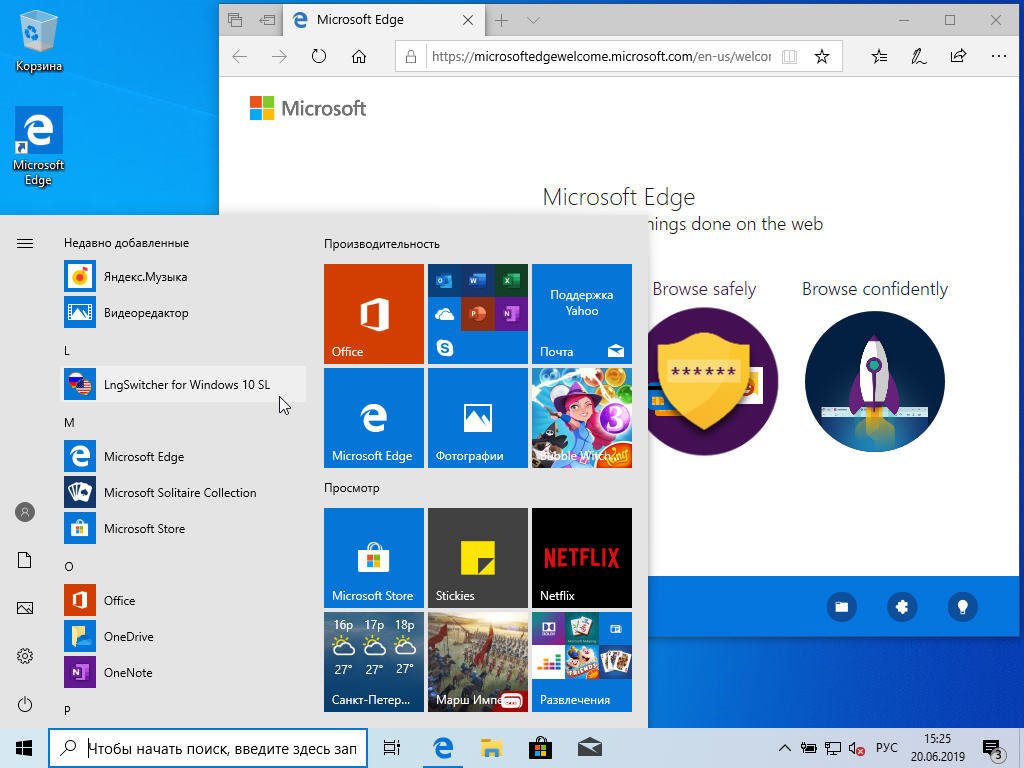
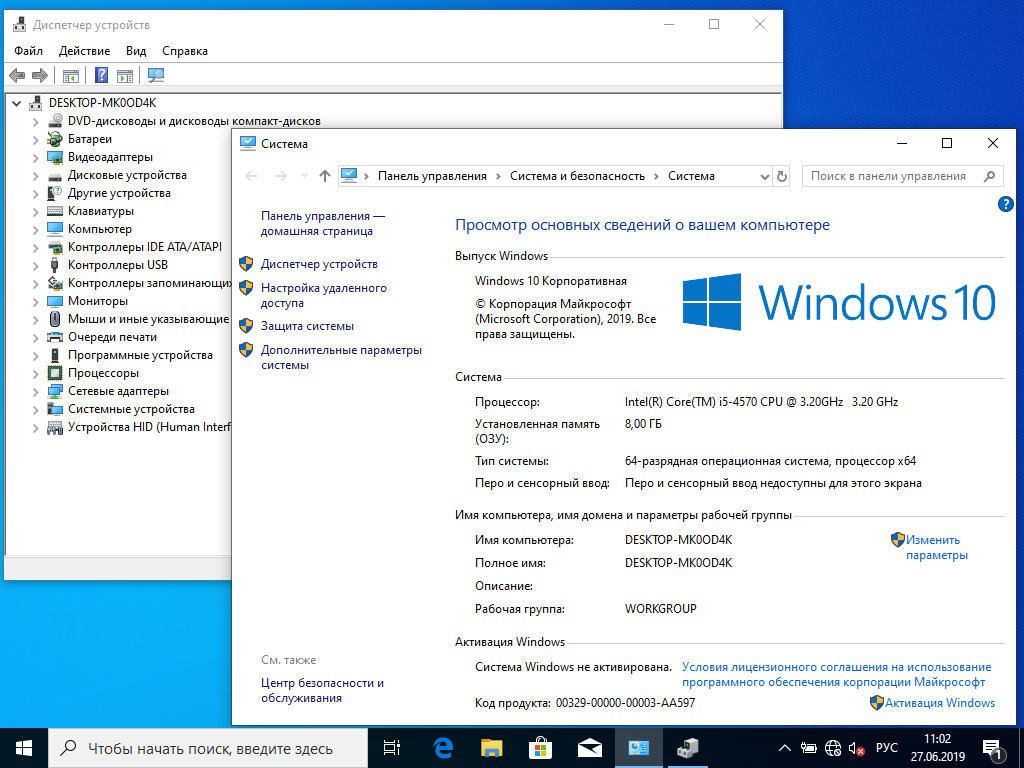
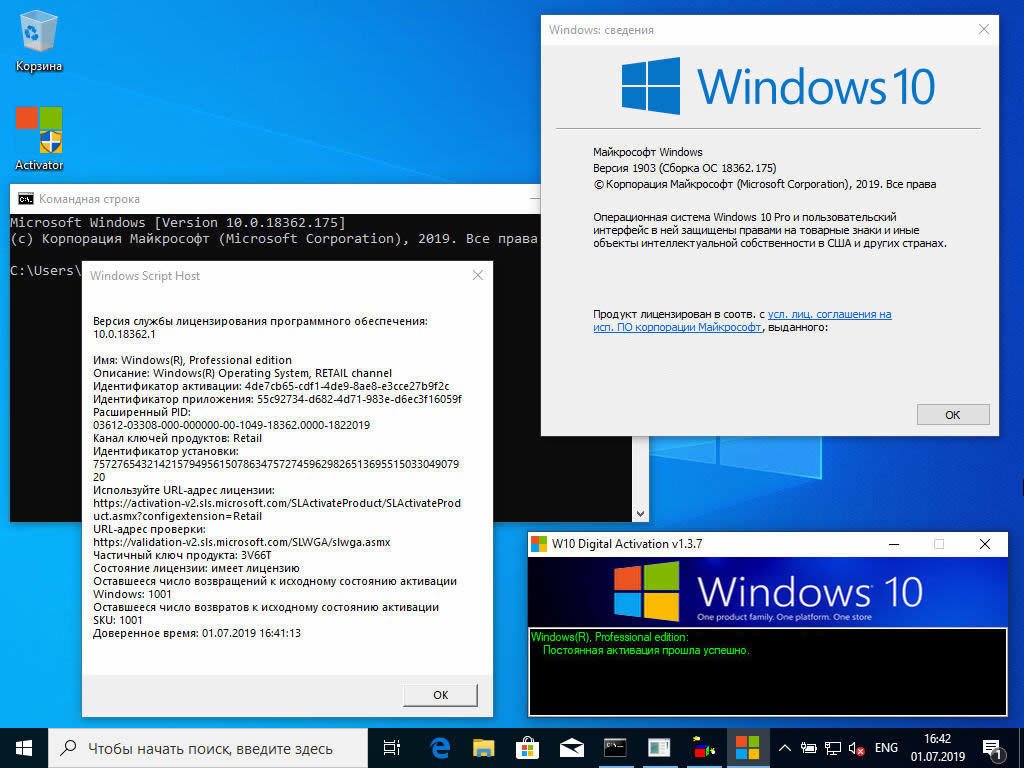
Homepage
Quick check before we show the links
Helps us keep automated scrapers from hammering the filehosts.