Apple macOS Sierra (v10.12) on VirtualBox on Windows [by TechReviews]
This post was published 9 years ago. Download links are most likely obsolete. If that's the case, try asking the uploader to re-upload.
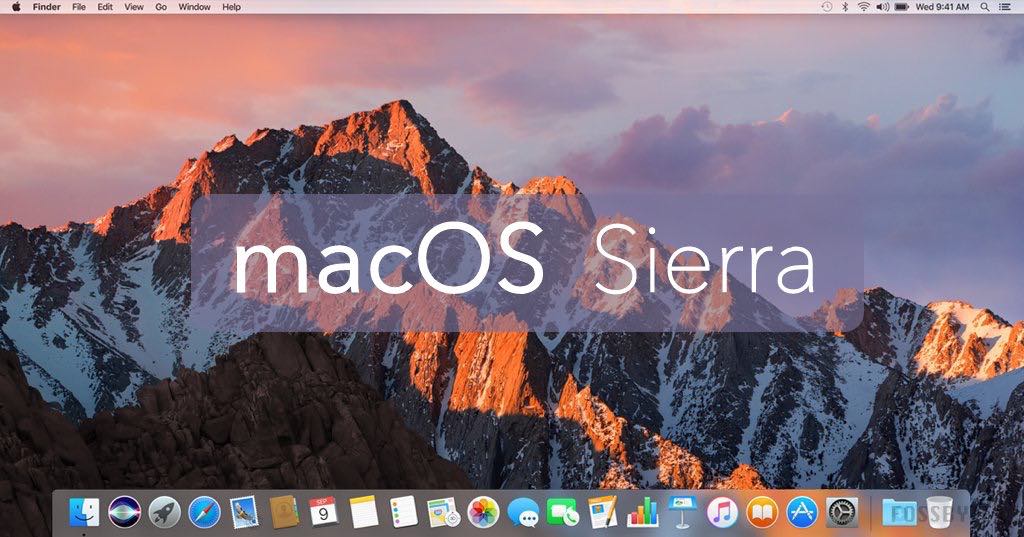
Apple macOS Sierra (v10.12) on VirtualBox on Windows [by TechReviews] | 5.4 GiB
Now you can install macOS Sierra on Windows.
VirtualBox is capable of installing a macOS in your computer as an application. it works perfectly well with Sierra and in order to run macOS on windows, you need a computer with windows that has to be 64-bit, at least 4GB RAM and a dual-core processor. Installing macOS Sierra in VitualBox is very easy; you download virtual disk and open it with VirtualBox, then create new virtual machine.
Changes in v10.12: some new features and improvements.
Languages: English, Deutsch, Español, Italiano, Português, Français, ...
[b
Download[/b]]
Download: (Google Drive)
macOS, one part
macOS, five parts