Porteus Kiosk v4.0.0
This post was published 9 years ago. Download links are most likely obsolete. If that's the case, try asking the uploader to re-upload.
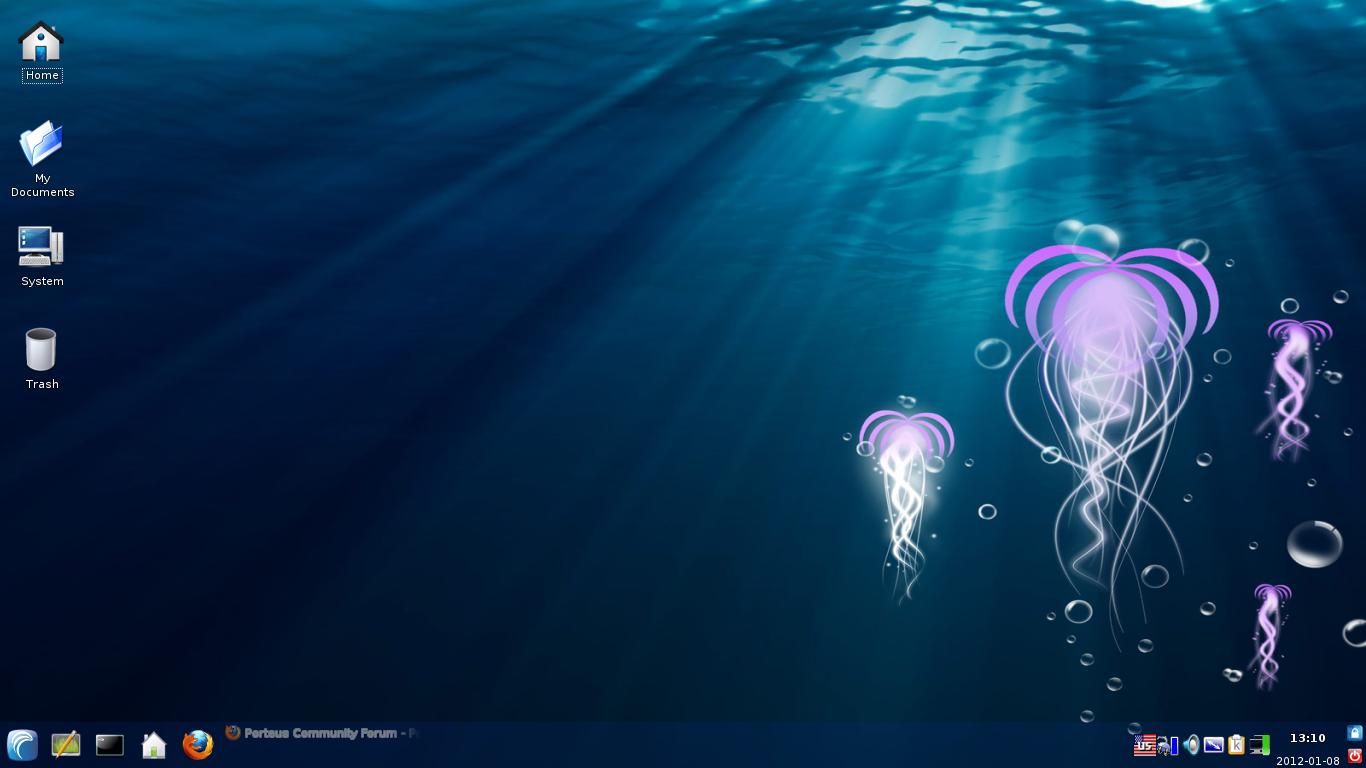
Porteus Kiosk v4.0.0 | 58 MiB
Kiosk modus for any computer. Bootable ISO image, compatibel with Windows, MacOS, Linux.
Porteus Kiosk is a lightweight Linux operating system which has been restricted to allow only use of the web browser. Furthermore, the browser has been locked down to prevent users from tampering with settings or downloading and installing software. When the kiosk boots it automatically opens Firefox or Google Chrome browser to your chosen home page. The history is not kept, no passwords are saved, and many menu items have been disabled for total security. When the browser is restarted, all caches are cleared and it reopens automatically with a clean session to ensure no trace of history is left.
Install to USB stick or SD card:
Windows/Mac users can install the hybrid ISO to a flash device using special applications such as Win32DiskImager (Download). Users have reported that some installing programs are not compatible with Porteus Kiosk (e.g. Rufus or UNetbootin) so if booting fails then please use Win32DiskImager which is proven to work.
Burn to CD/DVD:
Burn the Porteus Kiosk ISO and burn it to a CD or DVD as an ISO image file using your favorite CD burning software. Most CD/DVD creation software has this function. Please be aware that this is not the same as simply burning a file to disk or creating a 'data disk'.
Changes in v4.0.0: some minor improvements.
Language: English
Download:
Direct Download Link, 64-bit v4.0.0
Direct Download Link, 32-bit v3.7.0