Virtual Drive Utilities Software RSS Reupload Requests 31
-
File Size: 17.42 MiB | Languages: English, Deutsch, ...
The "VirtualBox Extension Pack" is an add-on for "Oracle VM VirtualBox" that provides additional functionality and features to this virtualization software. The Extension Pack includes support for USB devices, VirtualBox Remote Desktop Protocol (VRDP), disk encryption, host webcam passthrough, network boot, cloud integration, and more.
-
File size: 2.4 GB
BlueStacks is an easy to use and powerful App Player which is designed to run Android OS and apps on Windows PCs with instant switch between Android and Windows. No reboot is required. End consumers can now enjoy their favorite Android apps on Windows PCs. Android apps can appear either as icons on the Windows desktop, or within a full-blown Android environment. BlueStacks helps PC manufacturers to ride the Android momentum by enabling Android apps on x86-based tablets, netbooks, notebooks, convertibles and AiO Windows PCs.
-
File Size: 163 MB
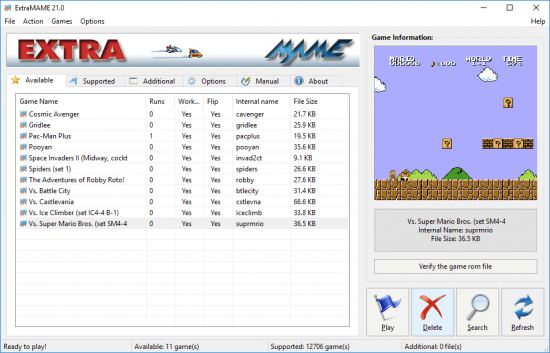
Is a small MS Windows compatible game GUI wrapper for MAME, the Multiple Arcade Machine Emulator authored by Nicola Salmoria and the MAME team. MAME let's you play thousands of old-school arcade games on your computer. ExtraMAME is smaller and easier to use. It doesn't force you to fuss with difficult configurations and it's compatible with all MAME games.
-
File Size : 47.1 Mb
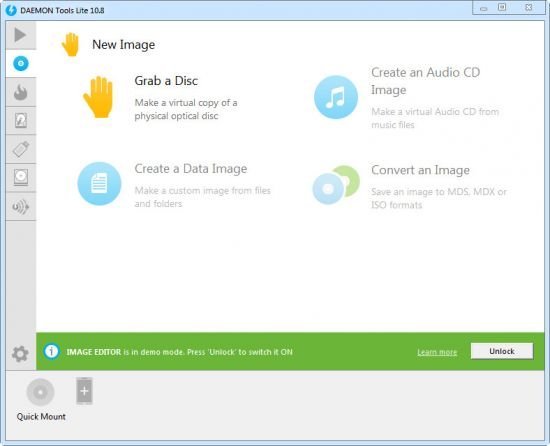
DAEMON Tools Lite offers easy tools for making simple disc image files and emulating virtual CD, DVD and Blu-ray drives. It is an advanced application for Microsoft Windows which provides one of the best optical media emulation in the industry. DAEMON Tools enables you to convert your physical CD/DVD/Blu-ray discs into “virtual discs” so called “images”. You can use your CD/DVD/BD images as if they were already burned to CD/DVD/Blu-Ray. It also emulated up to 4 virtual CD/DVD/BD drives, so you can mount (insert) and unmount (eject) images. Virtual drives will appear in your OS just like real ones. Select a virtual drive then choose a disc image you want to mount. Find the created virtual drive with mounted disc image in My Computer and start working.
-

File size: 78.3 MB
3dSenVR emulator offers beautiful hand-crafted dioramas versions of the most cherished 8-bit NES classic titles. Immerse yourself in the old school gaming world, now magically transformed into 3D space that will please the most hardened devoted retro fan alike.
-
File size: 2.4 GB
BlueStacks is an easy to use and powerful App Player which is designed to run Android OS and apps on Windows PCs with instant switch between Android and Windows. No reboot is required. End consumers can now enjoy their favorite Android apps on Windows PCs. Android apps can appear either as icons on the Windows desktop, or within a full-blown Android environment. BlueStacks helps PC manufacturers to ride the Android momentum by enabling Android apps on x86-based tablets, netbooks, notebooks, convertibles and AiO Windows PCs.
-
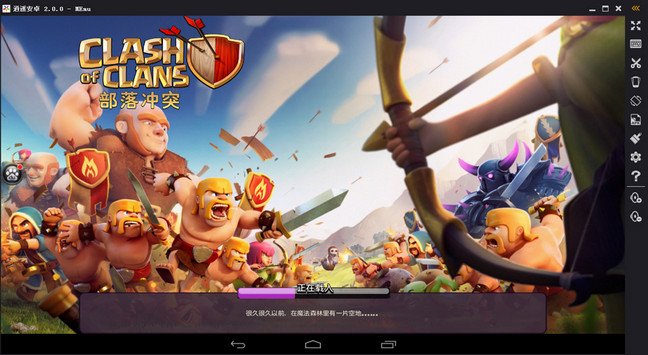
File size: 435 MB
MEmu is an Android emulator that specializes in video games. With MEmu you can enjoy many exclusive titles that you can find for the Android platform, directly on your computer. You don't need to adjust any complicated settings and configure the controls, just install it and start playing. With MEmu, you can install Android games quite easily, simply click the APK button on the right side of the interface, select the APK of the game you want to install, and wait. It really is that easy.
-
File Size : 47.1 Mb
DAEMON Tools Lite offers easy tools for making simple disc image files and emulating virtual CD, DVD and Blu-ray drives. It is an advanced application for Microsoft Windows which provides one of the best optical media emulation in the industry. DAEMON Tools enables you to convert your physical CD/DVD/Blu-ray discs into “virtual discs” so called “images”. You can use your CD/DVD/BD images as if they were already burned to CD/DVD/Blu-Ray. It also emulated up to 4 virtual CD/DVD/BD drives, so you can mount (insert) and unmount (eject) images. Virtual drives will appear in your OS just like real ones. Select a virtual drive then choose a disc image you want to mount. Find the created virtual drive with mounted disc image in My Computer and start working.
-
File size: 2.4 GB
BlueStacks is an easy to use and powerful App Player which is designed to run Android OS and apps on Windows PCs with instant switch between Android and Windows. No reboot is required. End consumers can now enjoy their favorite Android apps on Windows PCs. Android apps can appear either as icons on the Windows desktop, or within a full-blown Android environment. BlueStacks helps PC manufacturers to ride the Android momentum by enabling Android apps on x86-based tablets, netbooks, notebooks, convertibles and AiO Windows PCs.
-
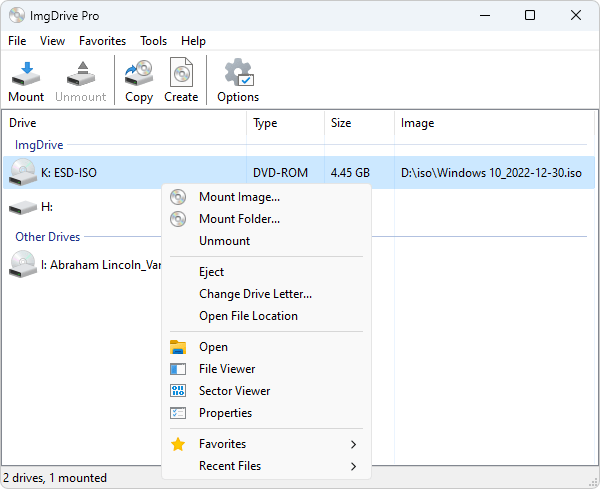
File Size: 2 MB
ImgDrive is a lightweight virtual CD/DVD/Blu-ray drive that enables to emulate up all popular image types of CD, DVD and Blu-ray Discs to drives.
-
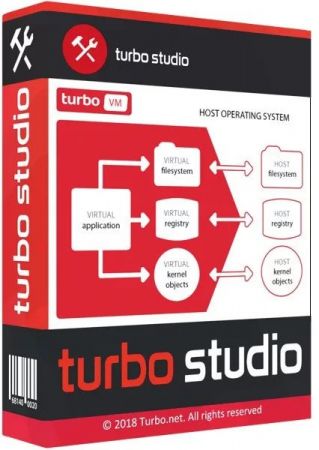
File Size: 175.3 MB
Turbo Studio (formerly known as Spoon Studio) - with this app you can combine files needed to make an app run into a package that is ready for use without deployment. The application allows you to create a virtual container and run programs in a virtual environment without the installation and make changes in registry and system.
-
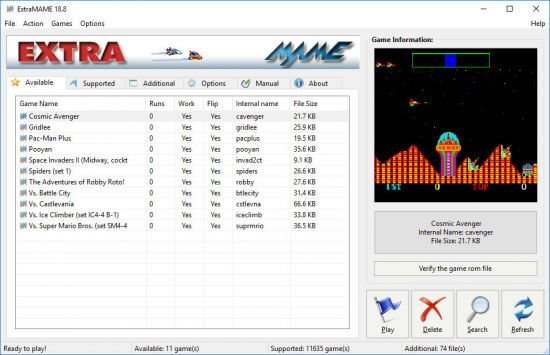
File size: 162.4 MB
Is a small MS Windows compatible game GUI wrapper for MAME, the Multiple Arcade Machine Emulator authored by Nicola Salmoria and the MAME team. MAME let's you play thousands of old-school arcade games on your computer. ExtraMAME is smaller and easier to use. It doesn't force you to fuss with difficult configurations and it's compatible with all MAME games.
-
File size: 2.4 GB
BlueStacks is an easy to use and powerful App Player which is designed to run Android OS and apps on Windows PCs with instant switch between Android and Windows. No reboot is required. End consumers can now enjoy their favorite Android apps on Windows PCs. Android apps can appear either as icons on the Windows desktop, or within a full-blown Android environment. BlueStacks helps PC manufacturers to ride the Android momentum by enabling Android apps on x86-based tablets, netbooks, notebooks, convertibles and AiO Windows PCs.
-
File Size: 754.4 MB
VMware Fusion gives Mac users the power to run Windows on Mac along with hundreds of other operating systems side by side with Mac applications, without rebooting. Fusion is simple enough for home users and powerful enough for IT professionals, developers and businesses.
-
File Size: 229.6 MB
VMware Workstation Player (formerly known as VMware Player) is a streamlined desktop virtualization application. It runs one or more operating systems on the same computer without rebooting. VMware Workstation Player has simple user interface, provides unmatched operating system support and portability. It's now easier than ever for IT professionals to get their users up and running with a corporate desktop. In addition, allows IT professionals to efficiently create and deliver a virtual desktop to employees, contractors or customers.
-
File size: 0.5/2.3 GB
BlueStacks is an easy to use and powerful App Player which is designed to run Android OS and apps on Windows PCs with instant switch between Android and Windows. No reboot is required. End consumers can now enjoy their favorite Android apps on Windows PCs. Android apps can appear either as icons on the Windows desktop, or within a full-blown Android environment. BlueStacks helps PC manufacturers to ride the Android momentum by enabling Android apps on x86-based tablets, netbooks, notebooks, convertibles and AiO Windows PCs.
-
File size: 175.3 MB
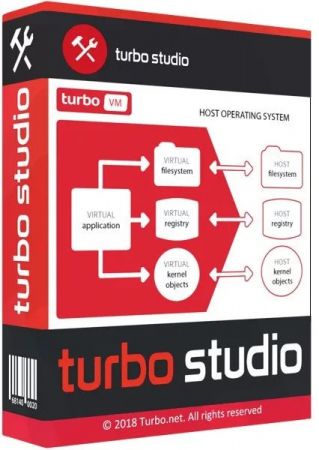
Turbo Studio (formerly known as Spoon Studio) - with this app you can combine files needed to make an app run into a package that is ready for use without deployment. The application allows you to create a virtual container and run programs in a virtual environment without the installation and make changes in registry and system.
-
File size: 2.6 MB
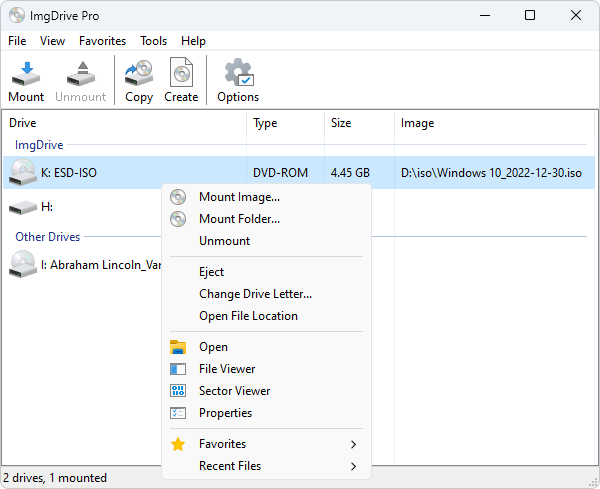
ImgDrive is a lightweight virtual CD/DVD/Blu-ray drive that enables to emulate up all popular image types of CD, DVD and Blu-ray Discs to drives.
-
File size: 0.5/2.3 GB
BlueStacks is an easy to use and powerful App Player which is designed to run Android OS and apps on Windows PCs with instant switch between Android and Windows. No reboot is required. End consumers can now enjoy their favorite Android apps on Windows PCs. Android apps can appear either as icons on the Windows desktop, or within a full-blown Android environment. BlueStacks helps PC manufacturers to ride the Android momentum by enabling Android apps on x86-based tablets, netbooks, notebooks, convertibles and AiO Windows PCs.
-
File size: 2.74 MB
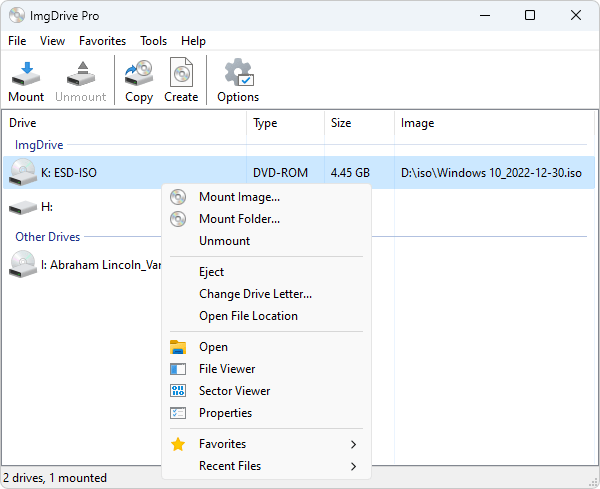
ImgDrive is a lightweight virtual CD/DVD/Blu-ray drive that enables to emulate up all popular image types of CD, DVD and Blu-ray Discs to drives.