Virtual Drive Utilities Software RSS Reupload Requests 32
-
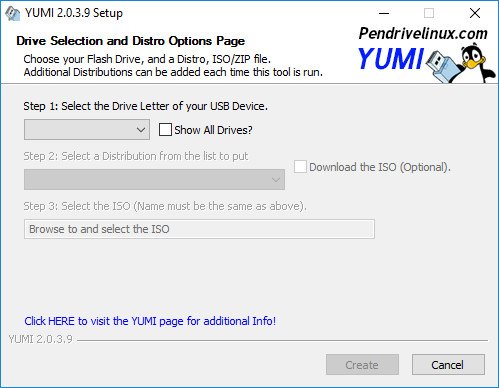
YUMI (Your Universal Multiboot Installer) 2.0.4.1 Portable | 1.75 MB
YUMI (Your Universal Multiboot Installer), is the successor to MultibootISOs. It can be used to create a Multiboot USB Flash Drive containing multiple operating systems, antivirus utilities, disc cloning, diagnostic tools, and more. Contrary to MultiBootISO's which used grub to boot ISO files directly from USB, YUMI uses syslinux to boot extracted distributions stored on the USB device, and reverts to using grub to Boot Multiple ISO files from USB, if necessary.
-
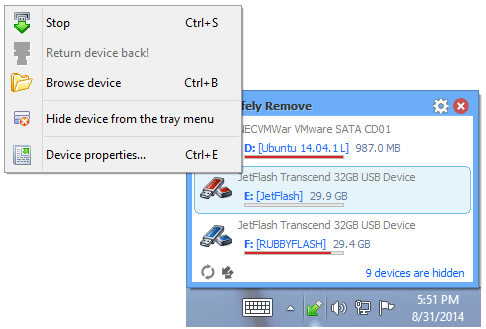
USB Safely Remove 5.5.1.1250 Multilingual Portable | 7.89 MB
USB Safely Remove is a utility for effortless and speedy disconnection of any removable devices. Not only does it save time, but it ensures that all data remains on a device when it is unplugged. Safely Remove is a system utility designed for quick and safely stopping USB Flash Drives connected to your computer. With this utility you can safely stop and remove USB Flash Drives much faster then using "Safely remove hardware"" icon in the system tray.
-
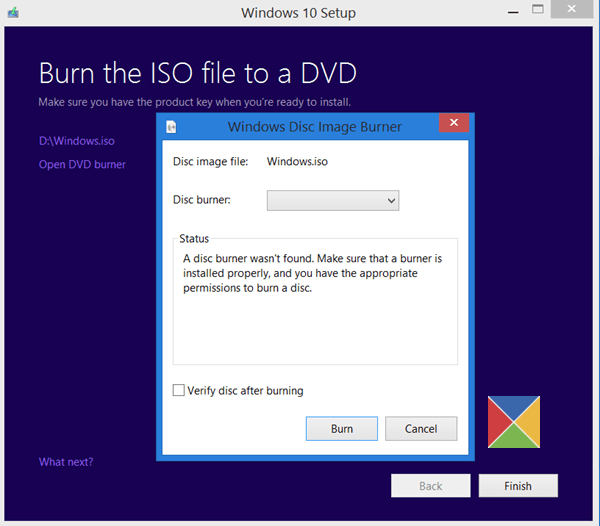
Windows 10 Media Creation Tool 10.0.14393.591 | 17.4 MB
The media creation tool can be used to upgrade your current PC to Windows 10 or to create a USB or DVD and install Windows 10 on a different PC.
-
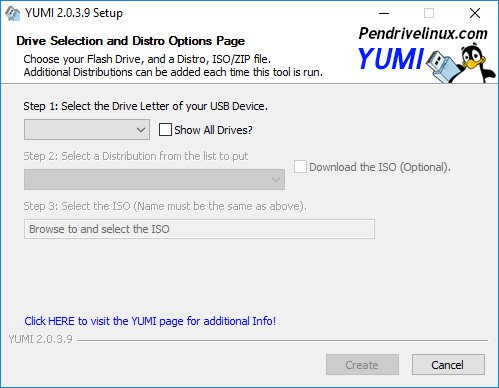
YUMI (Your Universal Multiboot Installer) 2.0.4.0 Portable | 1.74 MB
YUMI (Your Universal Multiboot Installer), is the successor to MultibootISOs. It can be used to create a Multiboot USB Flash Drive containing multiple operating systems, antivirus utilities, disc cloning, diagnostic tools, and more. Contrary to MultiBootISO's which used grub to boot ISO files directly from USB, YUMI uses syslinux to boot extracted distributions stored on the USB device, and reverts to using grub to Boot Multiple ISO files from USB, if necessary.
-
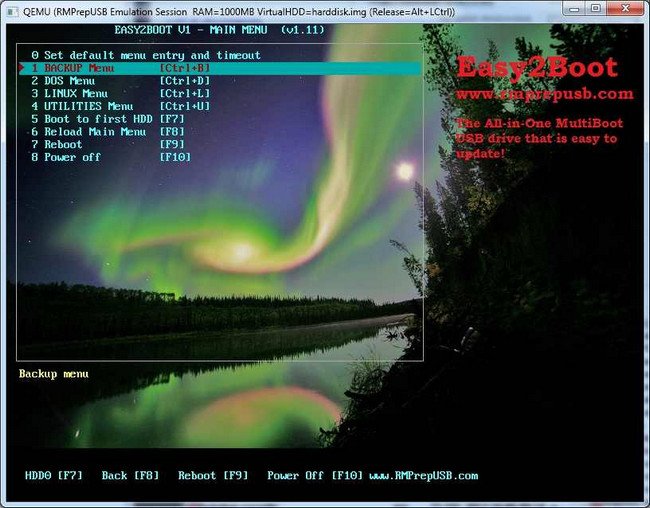
Easy2Boot 1.90a Portable | 16.5 MB
Easy2Boot, a new All-in-One MultiBoot USB solution!Easy2Boot can do all of these things - NEW! EasyBoot now supports UEFI multibooting (linux and Windows). + No USB 'Helper' Flash drive required for Windows installs.
-

WinNTSetup 3.8.7.3 Final (x86/x64) Portable | 2.13 MB
WinNTSetup is a universal Windows Setup Tool .This is a lightweight utility whose main purpose is to install Operating Systems using a formatted USB drive or Flash media seamlessly.
-
MultiBootUSB 8.5.0 Final Portable | 25 MB
MultiBootUSB allows you to install multiple live linux on a USB disk non destructively and option to uninstall distros. Try out the world's first true cross platform multi boot live usb creator for free.
-
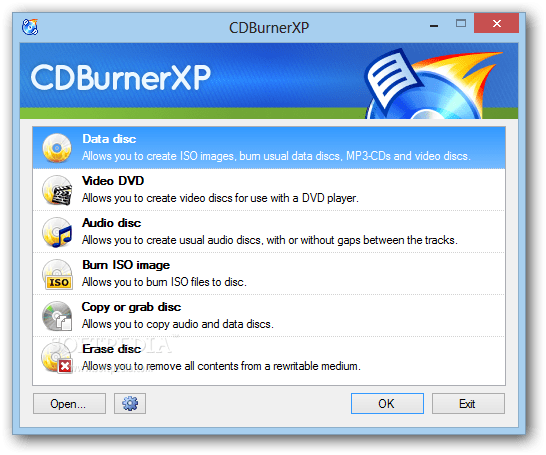
Windows Sofware | CDBurnerXP 4.5.7.6520 Beta | 5.14Mb
CDBurnerXP - a program for recording CD and DVD, including Blu-Ray and HD-DVD. Writes data from the hard disk and create ISO images, recording a data CD and audio-CD. In addition, you can create bootable discs, copy audioCD on the hard disk "on the fly" in the files MP3, OGG, WMA, WAV, and save images of the CD in the form of ISO-files. CDBurnerXP can work with both conventional as well as with rewritable discs and understands the "multisession."
-
Windows Sofware | Kaspersky Rescue Disk 10 DC 03.02.2017 | 286Mb
Kaspersky Rescue Disk - a means of antivirus emergency assistance, which will be indispensable in the event that a PC infected with a virus to such an extent that cure it with are not offered the help of anti-virus programs that run under the operating system.
-
DAEMON Tools Pro 8.1.1.0666 Multilingual | 38.2 Mb
DAEMON Tools Pro 8 is the best product for optical media emulation. This program lets you create disc images or edit existing ones with easy tool - Image Editor. You can run Image Editor from DAEMON Tools Pro or open a disc image for editing right from Microsoft Windows Explorer. Image Editor provides all modern burning features. It is embedded to DAEMON Tools Pro, so there is no need in other burning software. DAEMON Tools Pro 8 also allows you to burn files, master bootable discs or save created projects to image files for further mounting. Extract selected image files without mounting the disc image. Burn your favorite music to Audio CD discs. The most popular MP3, WAV, WMA, APE, FLAC formats are supported.
-
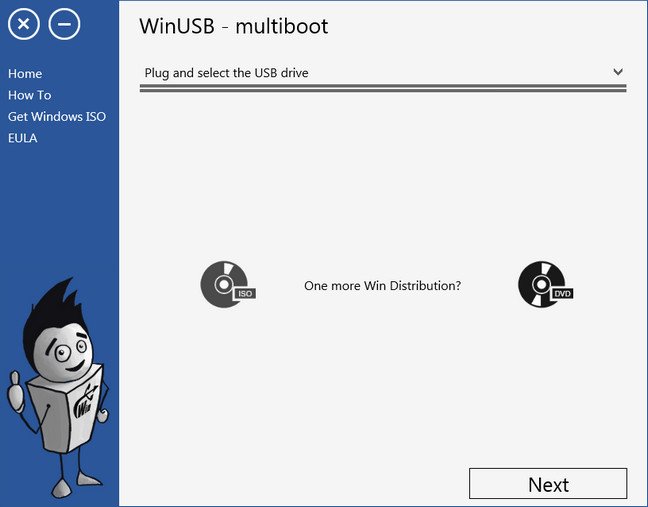
WinUSB 3.0.1.0 Portable | 2.62 MB
WinUSB, a simple application which helps you burn any Windows 7,8,10 ISO or DVD to USB flash drive and make it bootable without formatting in most cases! With me you no longer need to transfer many files to hard drive of your PC. I work same as master and will show you next step after current one completed.
-
SystemRescueCd 4.9.3 Beta 2 | 474Mb
SystemRescueCd - recovery disk, which is based on Linux and is available as a bootable CD / DVD-ROM or USB-stick for the administration and recovery system and data after a crash. It contains tools for working with hard disk: a breakdown into sections, diagnosis, preservation and restoration parts. Knows how to mount the Windows Ntfs for reading and writing. It also contains tools for configuring the network, network services, search tools, rootkits and antivirus. It can be downloaded from the CD-ROM, USB-drive or a network via PXE.
-

Indigo Rose AutoPlay Media Studio 8.5.1.0 Portable | 58.9 MB
AutoPlay Media Studio will help you create professional software, presentations, autorun CD/DVD ROMs and more by simply dragging, dropping and integrating your favorite media files such as MP3s, video, photos, and flash movies. It's just that easy. Then create powerful interactions between your media files and objects by selecting actions from a friendly script menu and publish your projects with a single click. AutoPlay Media Studio is the industry standard for creating professional interactive CD-ROM AutoPlay and AutoRun menu systems.
-
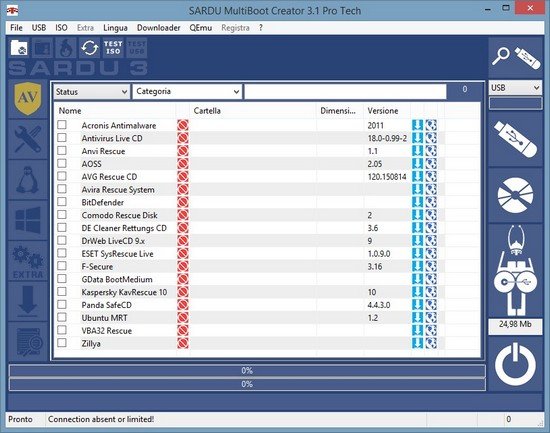
SARDU MultiBoot Creator 3.1.1 Pro Basic | 26.6 Mb
SARDU multiboot creator build a multiboot USB drive, a DVD multiboot ISO or a CD multiboot ISO. With the Bios Legacy and EFI multiboot support you can boot a PC or a Mac from the pendrive USB and make maintenance, do a virus scan, recover and save data, install Windows from USB, try or install more Linux Live. SARDU multiboot creator is a software, for Windows and Linux, free (personal and non commercial use, read the license). Hard disks (internal and external), SSD, USB flash drive and all removable memory disk and media are supported. The multibootable device can include comprehensive collections of antivirus rescue CD, utilities and popular Linux live distributions. Windows PE can also be included, as well as recovery disks and install media for Windows XP (Professional, Home and 64 Bit), Windows Vista, Windows Seven , Windows Eight and the preview of Windows 10..
-
Windows Sofware | CDBurnerXP 4.5.7.6512 Beta (x86/x64) | 10Mb
CDBurnerXP - a program for recording CD and DVD, including Blu-Ray and HD-DVD. Writes data from the hard disk and create ISO images, recording a data CD and audio-CD. In addition, you can create bootable discs, copy audioCD on the hard disk "on the fly" in the files MP3, OGG, WMA, WAV, and save images of the CD in the form of ISO-files. CDBurnerXP can work with both conventional as well as with rewritable discs and understands the "multisession."
-
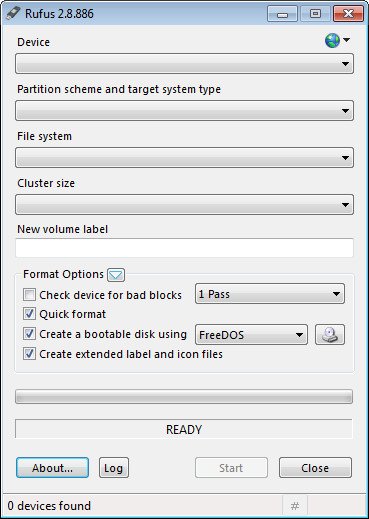
Rufus 2.12.1054 Final + Portable | 1.81 MB
Rufus Portable is a USB formatting utility which also can create a bootable USB drive using a bootable ISO image. This app requires admin rights.
-
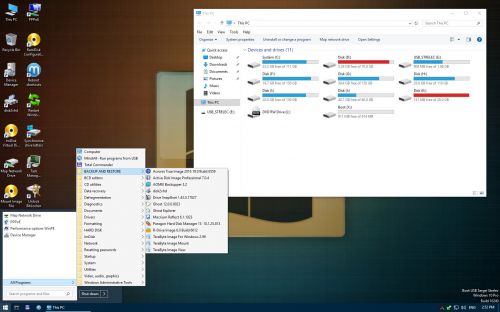
WinPE 10-8 Sergei Strelec (x86/x64/Native x86) 2017.01.25 English Version | 2.37 GB
Bootable disk Windows 10 and 8 PE - for maintenance of computers, hard disks and partitions, backup and restore disks and partitions, computer diagnostics, data recovery, Windows installation.
-
VMProtect Ultimate 3.0.9 (x86/x64) Multilingual | 71.0 MB
VMProtect protects code by executing it on a virtual machine with non-standard architecture that makes it extremely difficult to analyze and crack the software. Besides that, VMProtect generates and verifies serial numbers, limits free upgrades and much more.
-
VirtualBox 5.1.14 Build 112924 Final Portable + Extension Pack | 115 MB
VirtualBox is a general-purpose full virtualizer for hardware. Targeted at server, desktop and embedded use, it is now the only professional quality virtualization solution that is also Open Source Software. VirtualBox is a powerful virtualization product for enterprise as well as home use. VirtualBox provides are useful for several scenarios: Running multiple operating systems simultaneously. VirtualBox allows you to run more than one operating system at a time. This way, you can run software written for one operating system on another (for example, Windows software on Linux or a Mac) without having to reboot to use it.
-
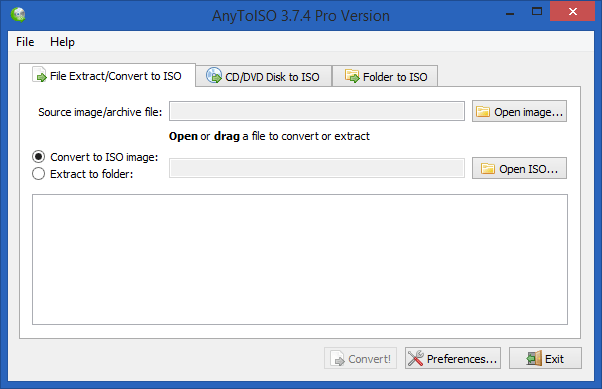
AnyToISO Professional 3.7.4 Build 554 Multilingual DC 12.01.2017 + Portable | 14.9 MB
AnyToISO is a simple application which allows users to convert their files into ISO images. The ultimate ISO Creator for Windows: can create ISO from almost everything including all CD/DVD images formats popular in Internet (NRG, MDF, UIF, DMG, ISZ, BIN, DAA, PDI, CDI, IMG, etc), CD/DVD/Blue-ray disks or simply from a local folder.