Music Tag Editor 3.7.6 Multilingual macOS
This post was published 7 years ago. Download links are most likely obsolete. If that's the case, try asking the uploader to re-upload.
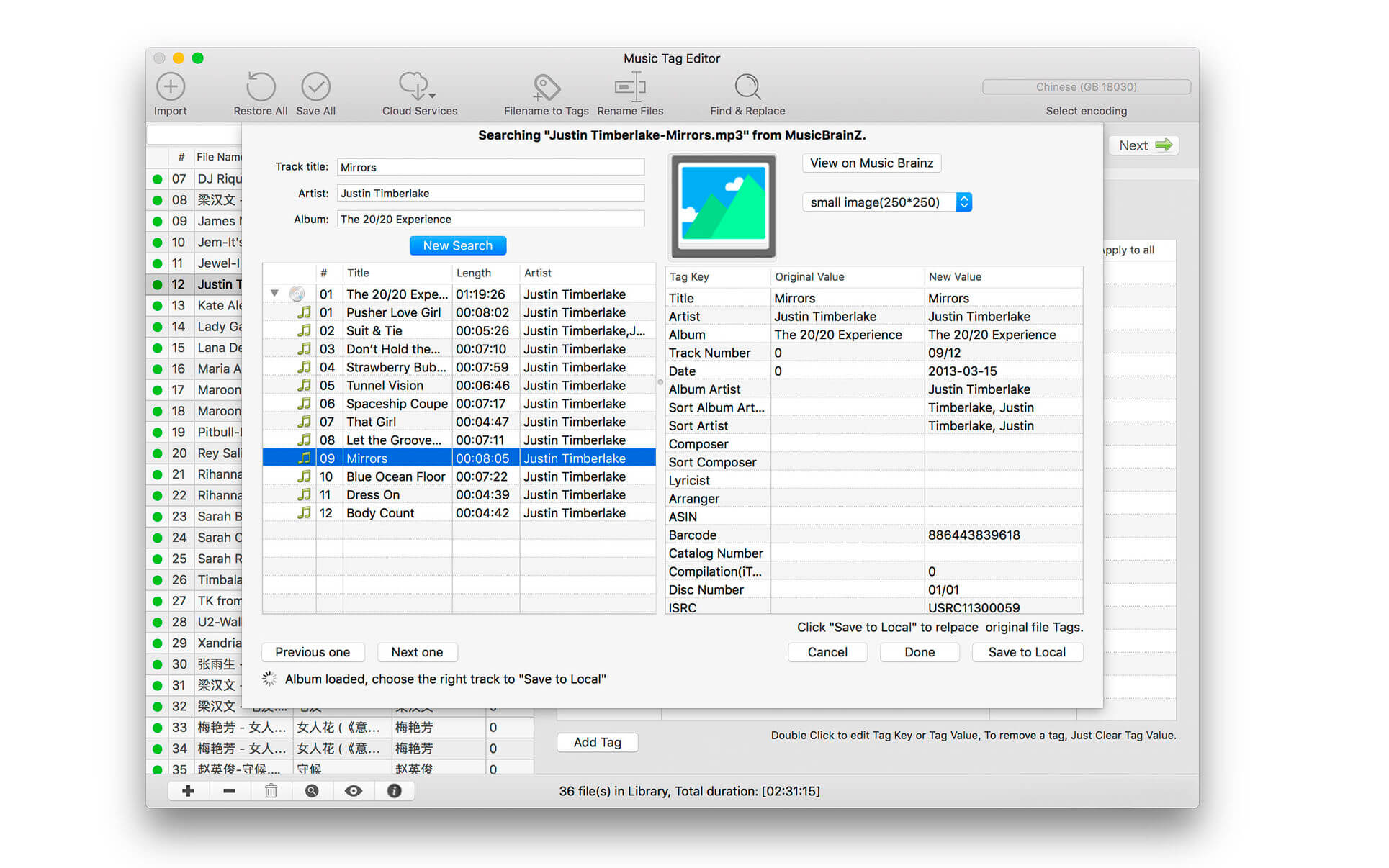
File Size : 23.51 MB
Music Tag Editor can help you to edit your Music Tag info easily and effectively,Batch edit all tags and batch rename with metadata, you can also use it to convert the text encoding of Music Tag, In situations,it can repair the messy code in Music Tags. You also can download the album image for MP3 from internet.
Also, you can search tags of music file from Amazon or MusicBrainz cloud services.
Support Music formats: MP3, M4A (Apple lossless), MP4, FLAC, APE, AIFF, WAV , Ogg files, asf, dsf, dsd,mkv...
Support ID3V1, ID3V2.3,ID3V2.4, xiphComments, APE Tag, Ogg Vorbis, Ogg Speex, Ogg Flac.
Main features:
support id3v1,id3v2,xiphComments, APE Tag, Ogg Tags,iTunes tags. Tags:Title,Artist,Album,Genre,Copyright,Comments,Artworks,Lyrics and so on...
lyrics you saved to file can be show correctly in you iPhone or iPod music player.
support batch processing of lots of music files,support iTunes importing.
Online album image download,multi album image supported.
batch rename audio file with metadata
batch convert file name to tags using regular expression
user can change,convert the tag text encoding easily, it also can repair messy code in situations.
Fully iTunes Tag supported.
Support strip APE or ID3V1 tags in mp3 files
support to save id3v2.3 or id3v2.4 tags!
support Batch Find & Replace tags.
Batch clean tags
Built-IN Music player for all audio formats
Advance features in pro version
Edit Additional and Advanced Tags.
Custom and edit any tags you want.
Batch Find & Replace all tag fields in one click.
MusicBrainZ Cloud services supported.
What's New
Version 3.7.5:
Bug Fixes
You can buy directly In App now
Homepage
Compatibility: OS X 10.8 or later, 64-bit processor
Quick check before we show the links
Helps us keep automated scrapers from hammering the filehosts.