The Utility Factory FileBoss 3.1 (x86)
This post was published 10 years ago. Download links are most likely obsolete. If that's the case, try asking the uploader to re-upload.
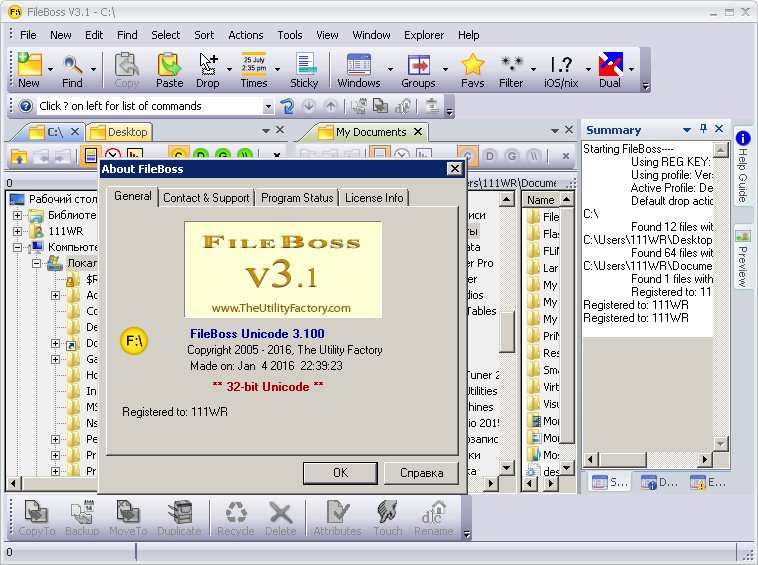
The Utility Factory FileBoss (x86) | 20.83 MB
FileBoss is the robust and powerful - yet easy to use - file manager that tames today's large and complex Windows' file systems. With a large set of tools to help keep files and folders in order, FileBoss is a must have for anyone who works directly with files - from avid Windows users to corporate system administrators. FileBoss has the most complete file management toolset on the market today to solve most any problem you may have with your files and folders.
What do you need to do today?
Copy & Move Files
* Copy with total control
* Backup if newer
* Copy files with directory structure
* Flatten folders (copy files to one folder)
* Update files
* Make Duplicate files
* Make Duplicate folders
* Make multiple copies
* Join files together
* Copy tree structures
* Copy files with pauses
* Copy to multiple folders
* Copy from CDs/DVDs
Rename
* Overview
* Add folder parent names
* Add file times
* Add text
* Change case
* Change extensions
* Change or delete spaces
* Convert to DOS 8.3 names
* Add sequence numbers
* Search and replace
* Rename one by one
* Advanced renaming
Find Files & Folders
* Overview
* By names & patterns
* Recently Modified Files
* Old Files
* Files containing specific text
* By Size
* By attributes
* By NTFS attributes
* Advanced
Explore File Systems
* Multiple tabs and panes
* Filter files by name or type
* Using relative times
* Using Meta-folders
* Selecting files and folders
* Replacing Windows Explorer
* Command bar
* Type or paste path
* Exporting search results
* Exporting folder contents
* History logs
* External tools
* External viewers
* Search website
Delete, Recycle, Destroy
* Recycle & Delete
* Destroy files
* Clean folders
* Intelligent delete
Virtual Folders
* Overview
* Create from selected
* Create empty
* Create list of file names
* Create by picking folders
Other
* Change file attributes
* Touch files & folders
* Set file times
* Super Drag & Drop
* Compare, merge and purge
* Drop Zones
* Load from multiple flash drives
* Help - everywhere
* Options and settings
* Sitemap
* Toolbox summary
Version 3.1 Released 4 January 2016
-Optimizations for Windows 10
-Speed improvements
-Working with iOS/nix filenames
-Multiple replacements when renaming files and many more improvements and fixes..
