Unity Asset - Mesh Combine Studio 2 v2.987
This post was published 5 years ago. Download links are most likely obsolete. If that's the case, try asking the uploader to re-upload.
Requirement: Unity 5.1.5 or higher | File size: 1.2 MB
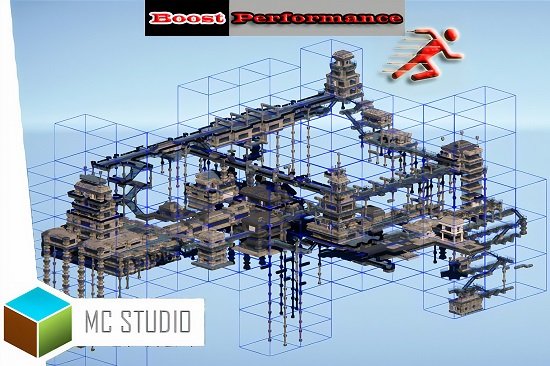
Mesh Combine Studio is an automatic grid cell based mesh combiner which can dramatically improve the performance of your game.
Features
* Should be used as a faster alternative to Unity’s static batching and can give significant to drastic performance improvements.
* Easy to use, simple and self explaining Inspector with tool-tips.
* Not only reduces Draw Calls, but also uses grid cell based mesh combining, which is optimal for culling, z-sorting and LOD switching.
* Automatically combines LOD Group meshes. LODs are switched per cell which give better performance and less LOD popping.
* Combine conditions, to e.g. combine all shadow casters into 1 material, saving a lot of draw calls for each shadow cascade.
* Combines dynamic objects, where dynamic parts keep moving.
* Advanced and performant multi-threaded combine job manager with lowest memory overhead possible and GC friendly.
* Fully automated combining like Unity’s static batching (but with more options), no tedious manually combining and get results in a few clicks.
* Extensive lightmapping support for realtime and baked GI.
* Save lightmap texture space and memory by removing geometry.
* No vertex or triangle increase compared to original meshes.
* Remove geometry that is under any surface (terrain and meshes). E.g. for rocks this can reduce +35% of the geometry.
* Remove overlapping geometry with its extension MCS Caves and Overhangs, which can reduce 60-75% of the geometry together with below terrain removal.
* Remove backface culling geometry on the background geometry (which the camera can never see). This can reduce +50% of the geometry by itself and +80% with the inside and below terrain removal.
* Original GameObjects components keep working, e.g. scripts, colliders, etc.
* Automatically switches between rendering combined or original GameObjects and can be easily reverted.
* Combine in Editor and/or Runtime.
* Supports negative scaling and double shadows.
* Runtime console to test and find the fastest combining settings (a build is the way to test true performance gains, which are higher than in Unity Editor).
* Multiple MCS prefabs can be used for different settings, e.g. different cell sizes, removal of geometry, etc.
* Extensive search conditions which GameObjects with meshes to include. The right filtering can increase the performance boost and save memory.
* Source code included.
* Runtime API.
What's New
Updates: official site does not provide any info about changes in this version.
Homepage
Quick check before we show the links
Helps us keep automated scrapers from hammering the filehosts.