Google Photos 2021 Beginner's Guide: How to Edit, Organize, Manage, Preserve, and Share Your Personal Media Files
This post was published 4 years ago. Download links are most likely obsolete. If that's the case, try asking the uploader to re-upload.
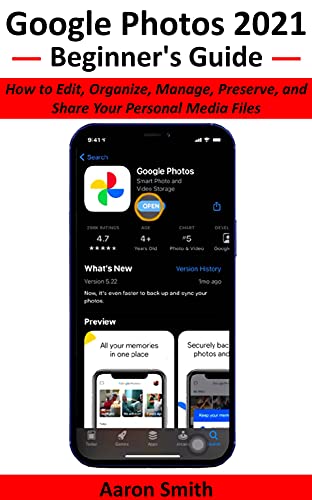
English | 2021 | ASIN : B097Q5CFK3 | 104 pages | PDF, AZW3, EPUB | 12.4 MB
New to Google Photos and don’t know how to use it? Here’s a complete beginner’s guide on how to use Google Photos.
If you take many photos and are always out of space on your device, Google Photos is the best solution for storing, organizing, and sharing your photos and videos.
It’s easy to use Google Photos, and it’s free, yet many people still don’t know about this helpful service.
This book explains how Google Photos works and how to get started, with many tips and tricks to get the most out of it.
With this book, you'll learn:
The easiest way to upload and download all your photos and videos from Google Photos.
The simple technique to create an easy and super fast slideshow.
A great way to have another backup and sync your precious photos or videos that you take each year.
The unique step to access Google Photos from your PC and mobile phone.
The hidden method to permanently delete the app if you don't need it.
The unusual approach to delete Google Photos without deleting your Google account.
The uncommon process to restore pictures from Google Photos after a factory reset.
The distinctive strategy to recover an accidentally deleted photo or a video.
The remarkable benefits that come with it.
Also, you'll learn other cheaper storage alternatives to keep your treasured multimedia files for memory sake.
Quick check before we show the links
Helps us keep automated scrapers from hammering the filehosts.